Onboard / Invite a Customer
As a Sevi Agent, you can onboard new buyers, start earning incentives and be able to withdraw your balance.
Follow these steps:
1. Open Customers Screen
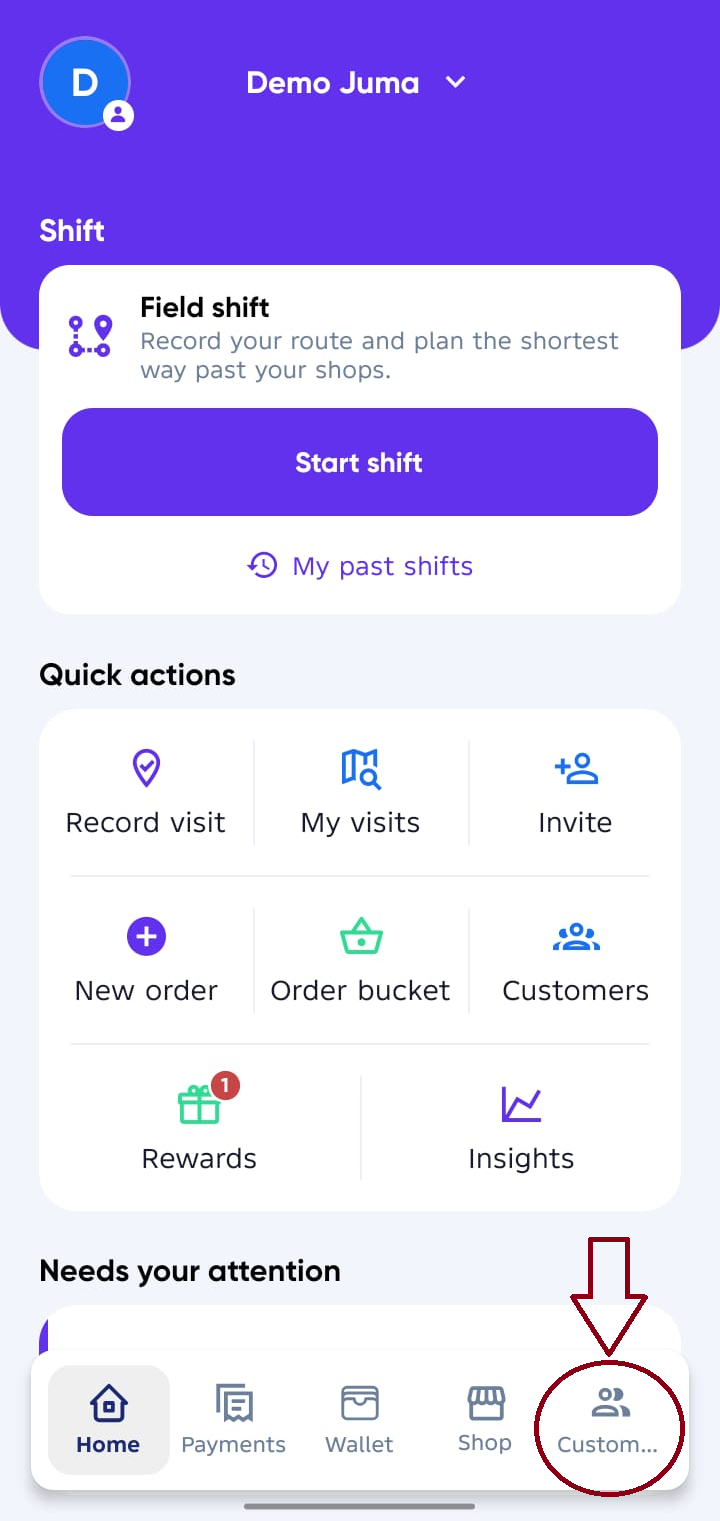
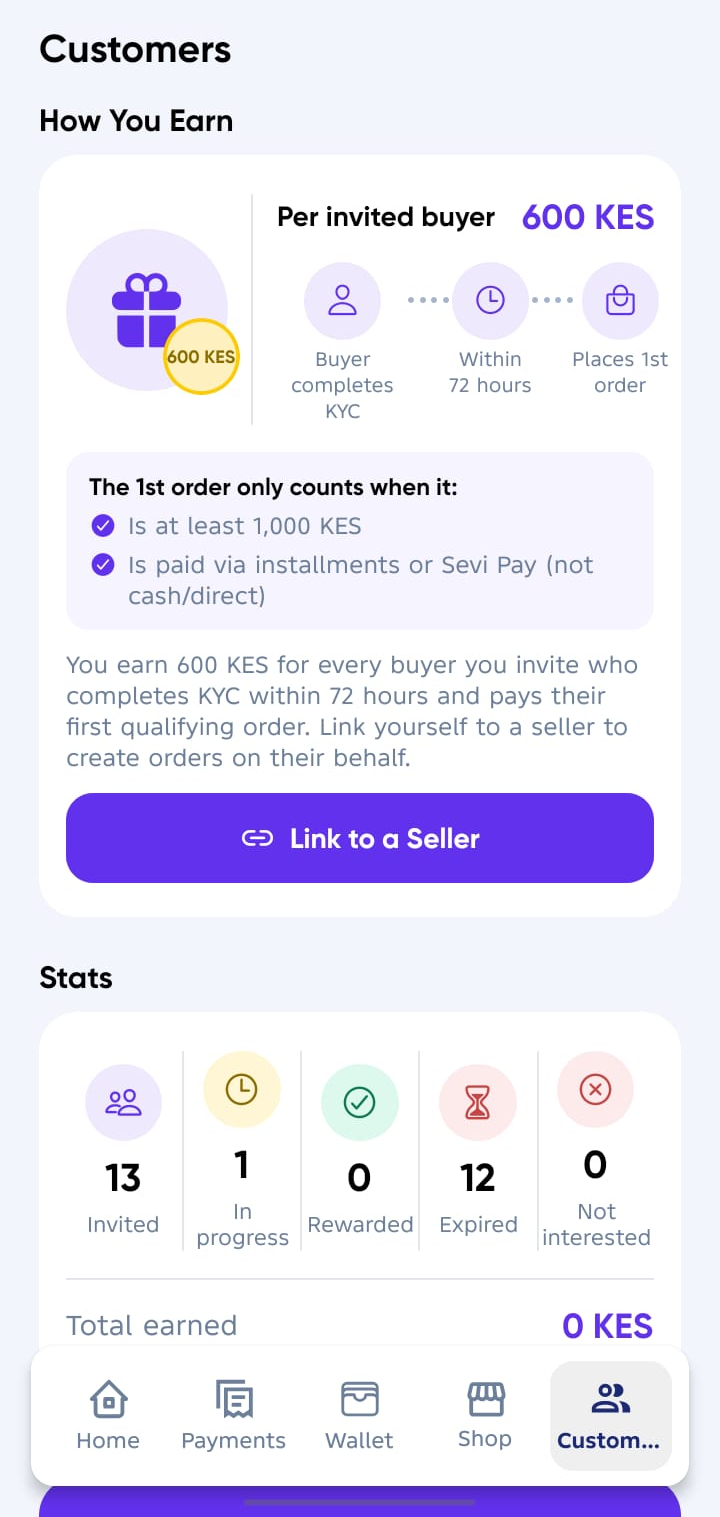
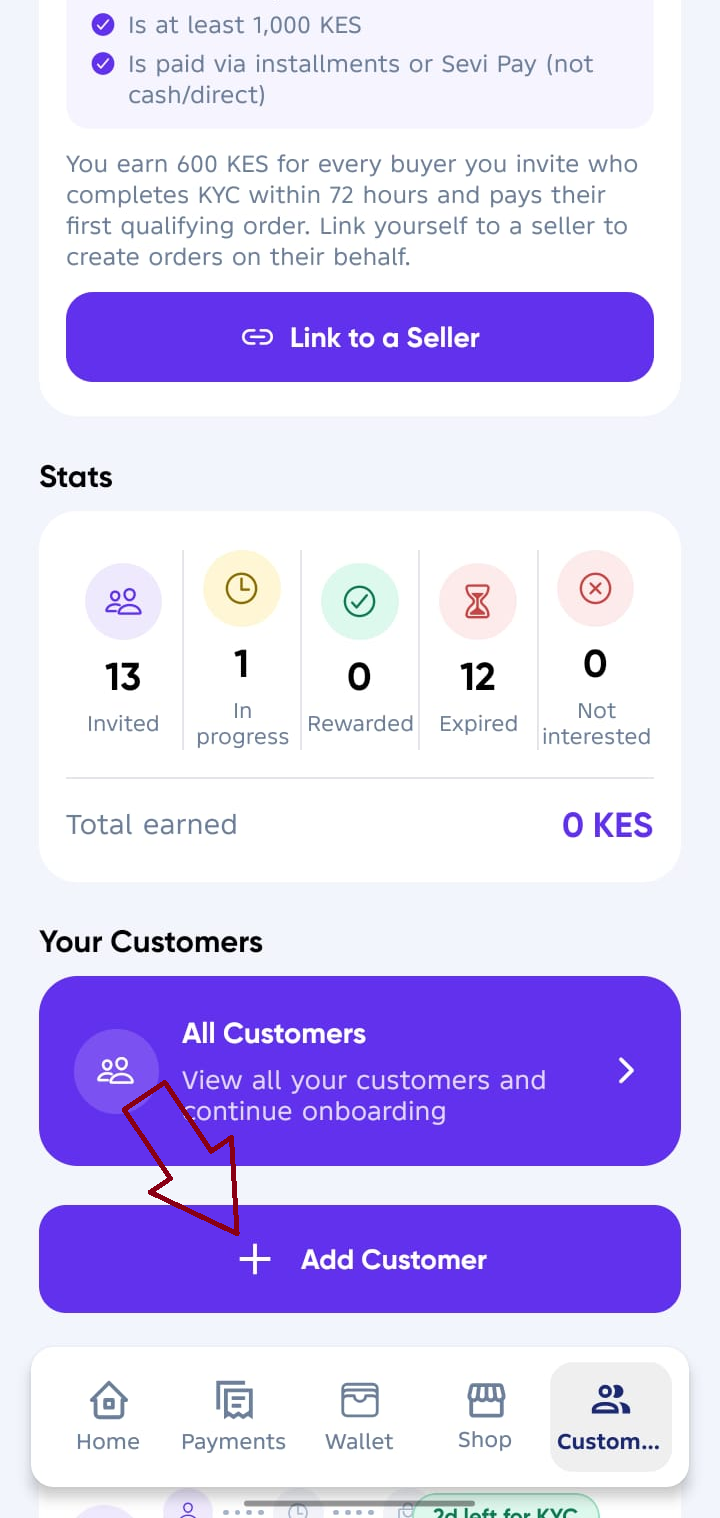
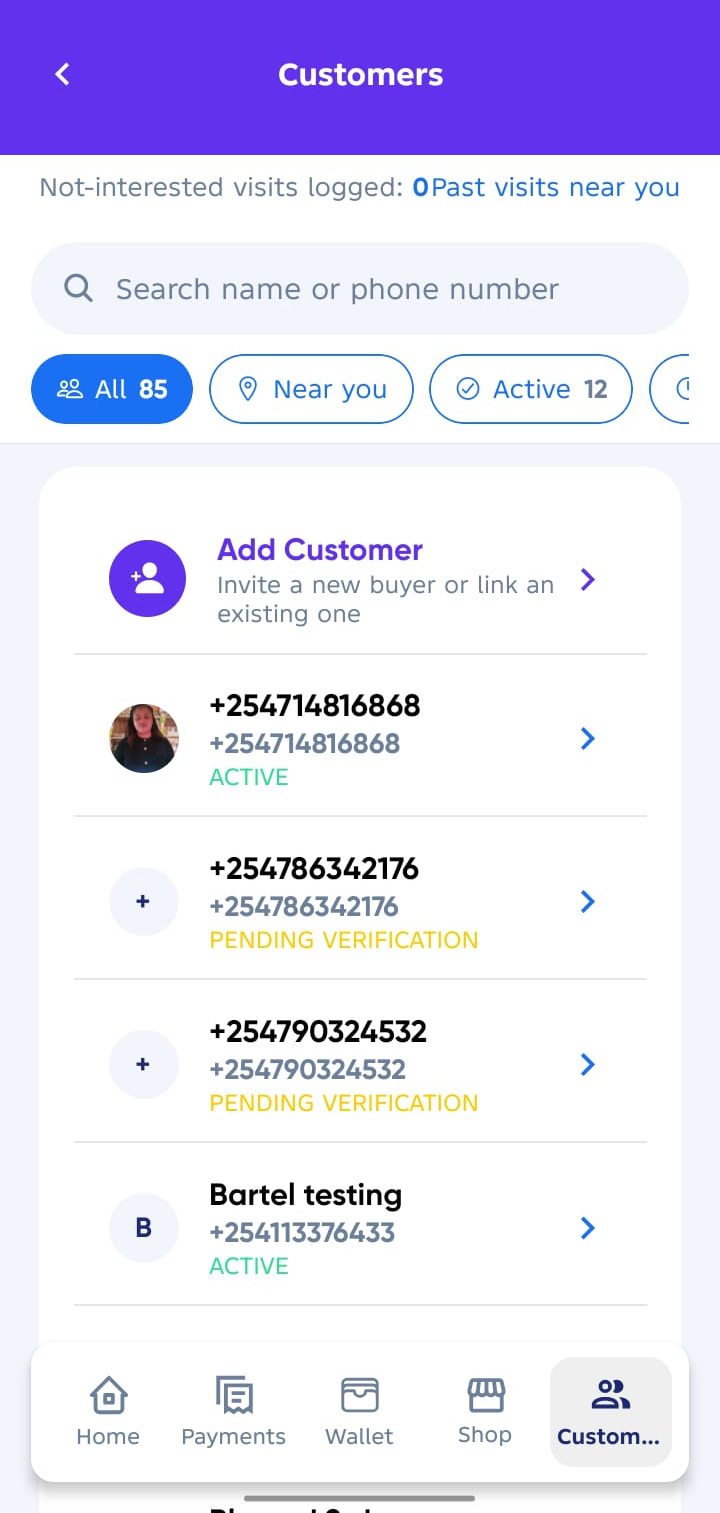
From your Agent Account, tap on Customers tab, scroll down and Click Add Customer.
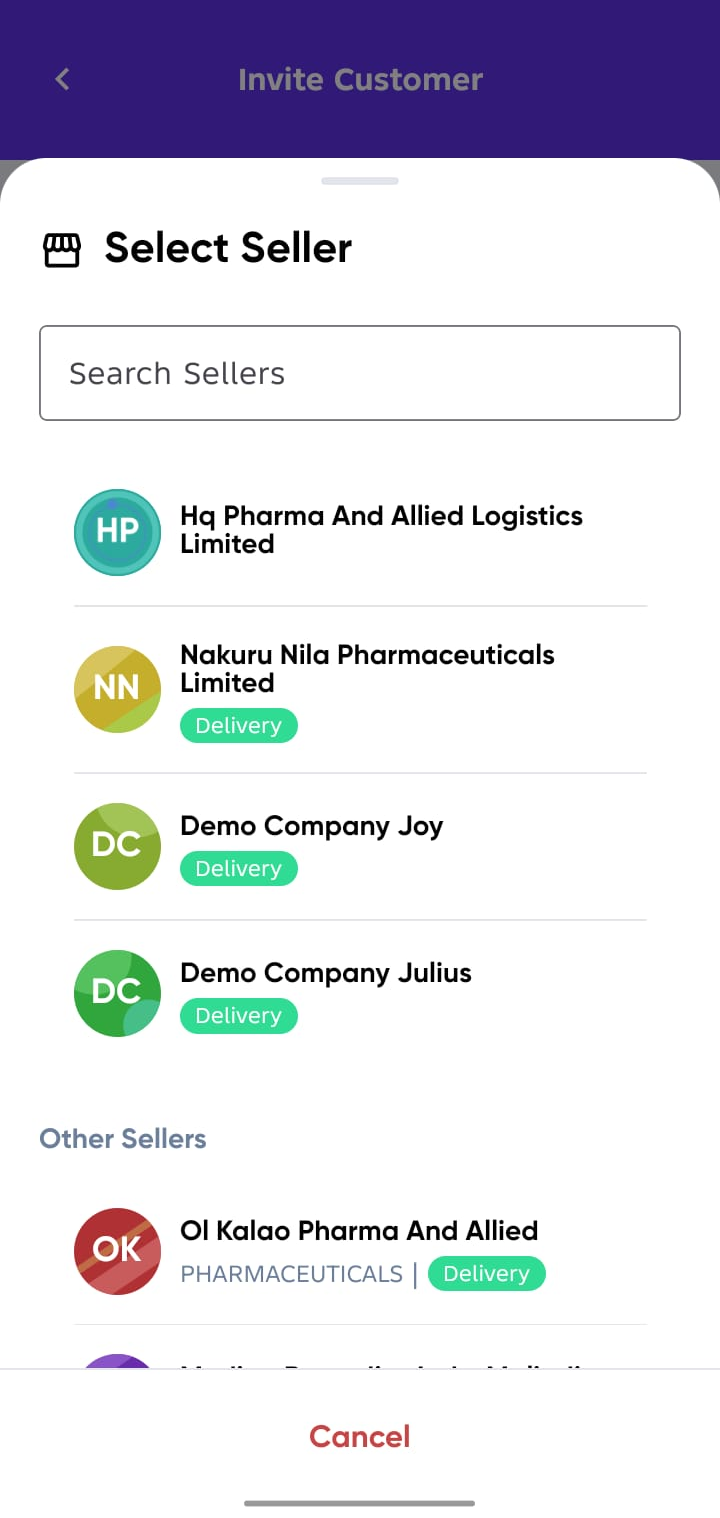
2. Add a New Buyer
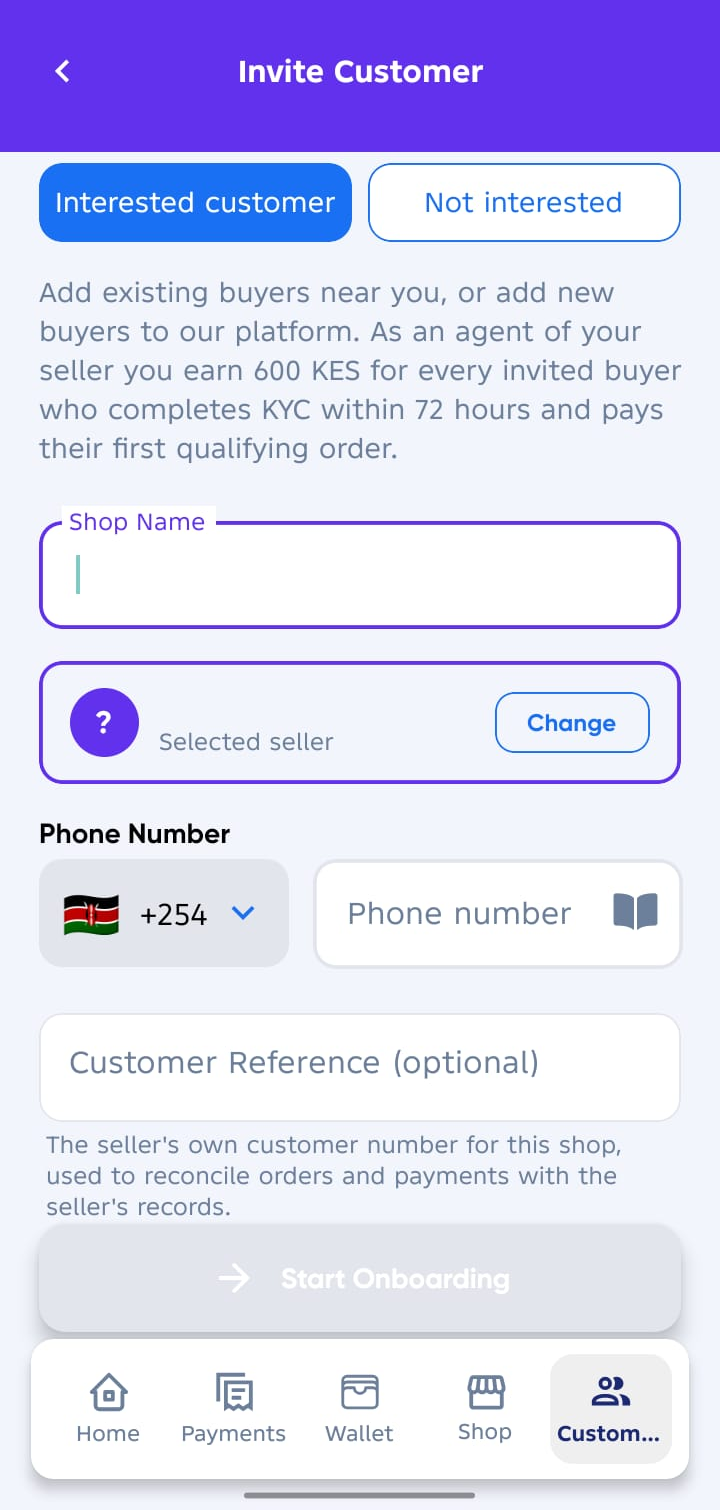
Upon clicking Add Customer a new screen will appear.
Fill in the buyer’s details:
- Shop Name → The name the shop is commonly known by.
- Select Seller → The seller who will fullfill the orders.
- Phone Number → The main active phone number used for the business.
- Customer Reference → The seller's own customer number on seller records. (Optional)
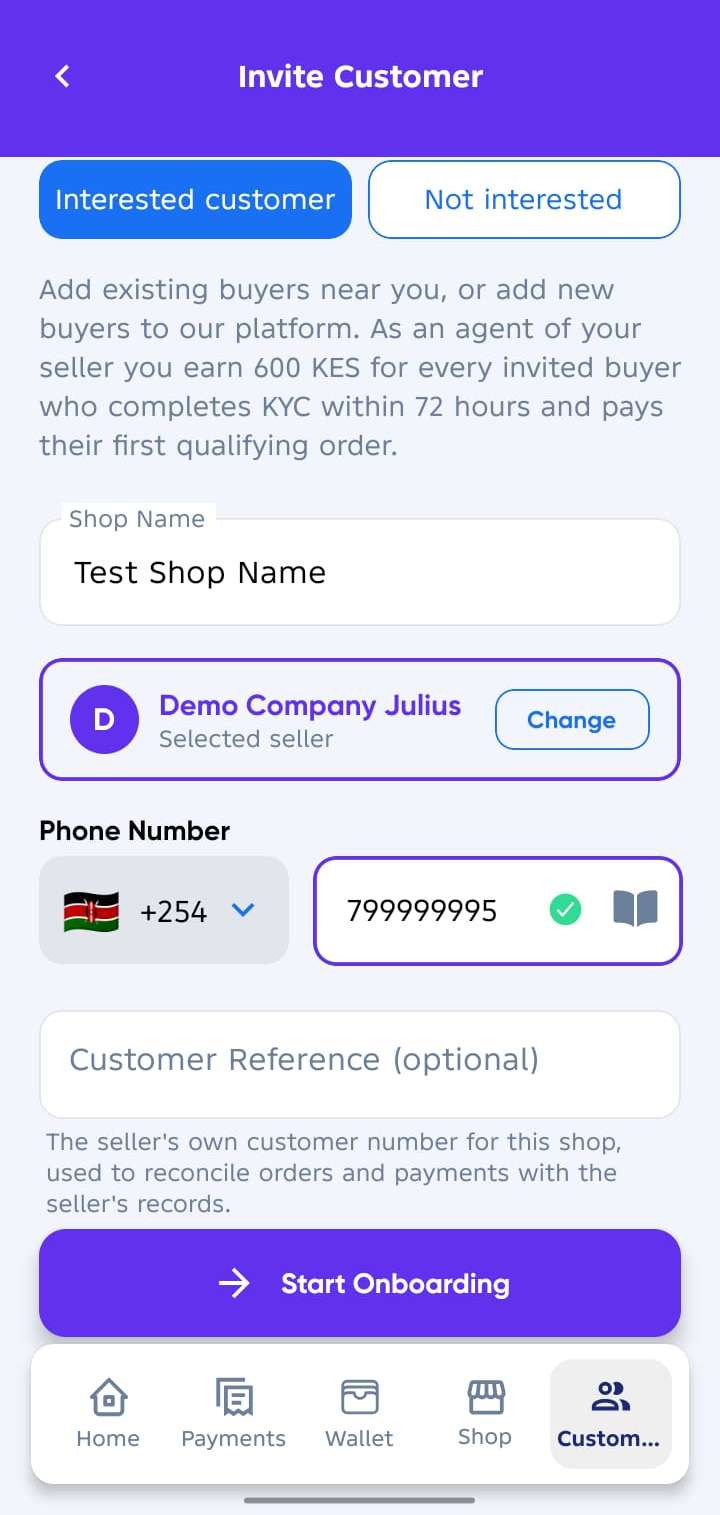
3. Send Invitation
Tap Start Onboarding to complete.
- The buyer will receive an SMS invitation with a link to download and join Sevi.
4. Complete Buyer Account Setup
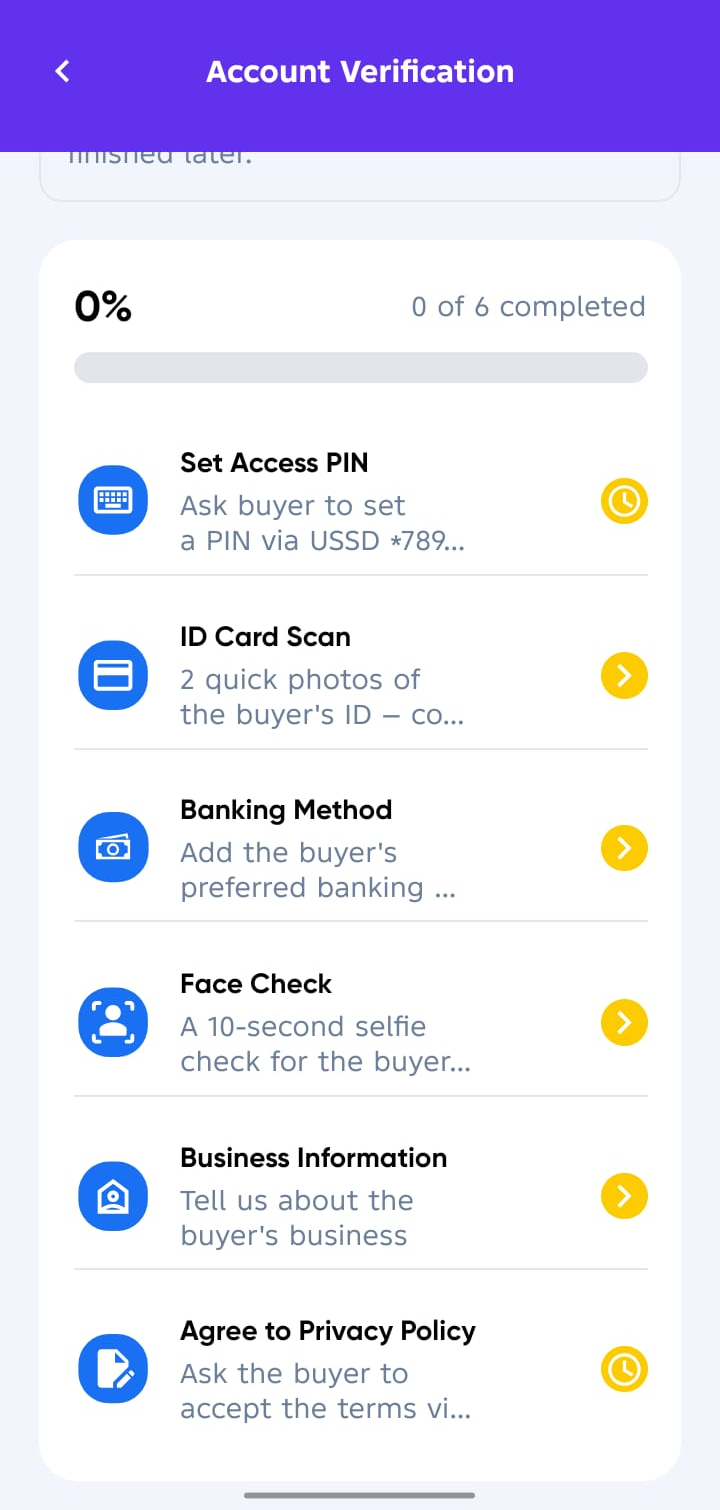
After sending the invitation, you’ll be taken to the Account Verification screen.
Here, help the buyer complete their details:
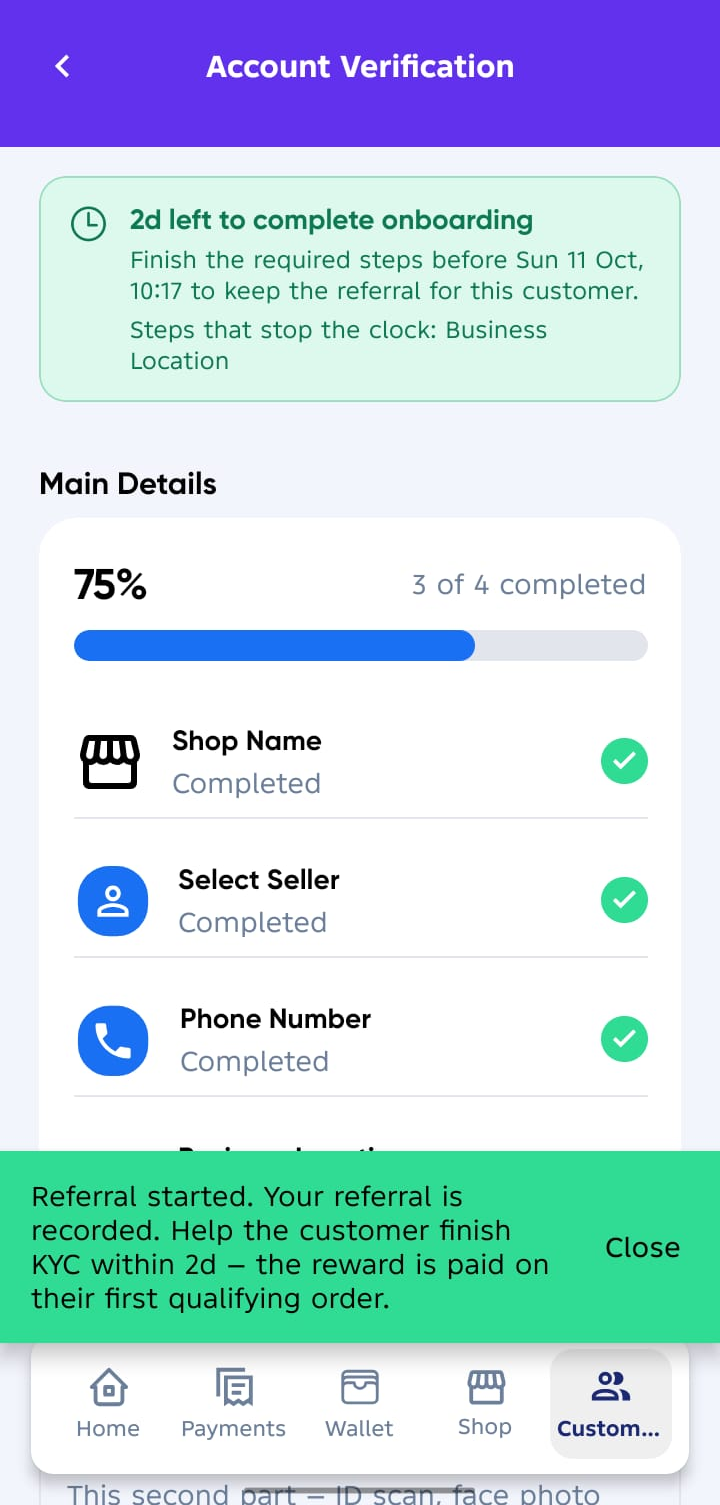
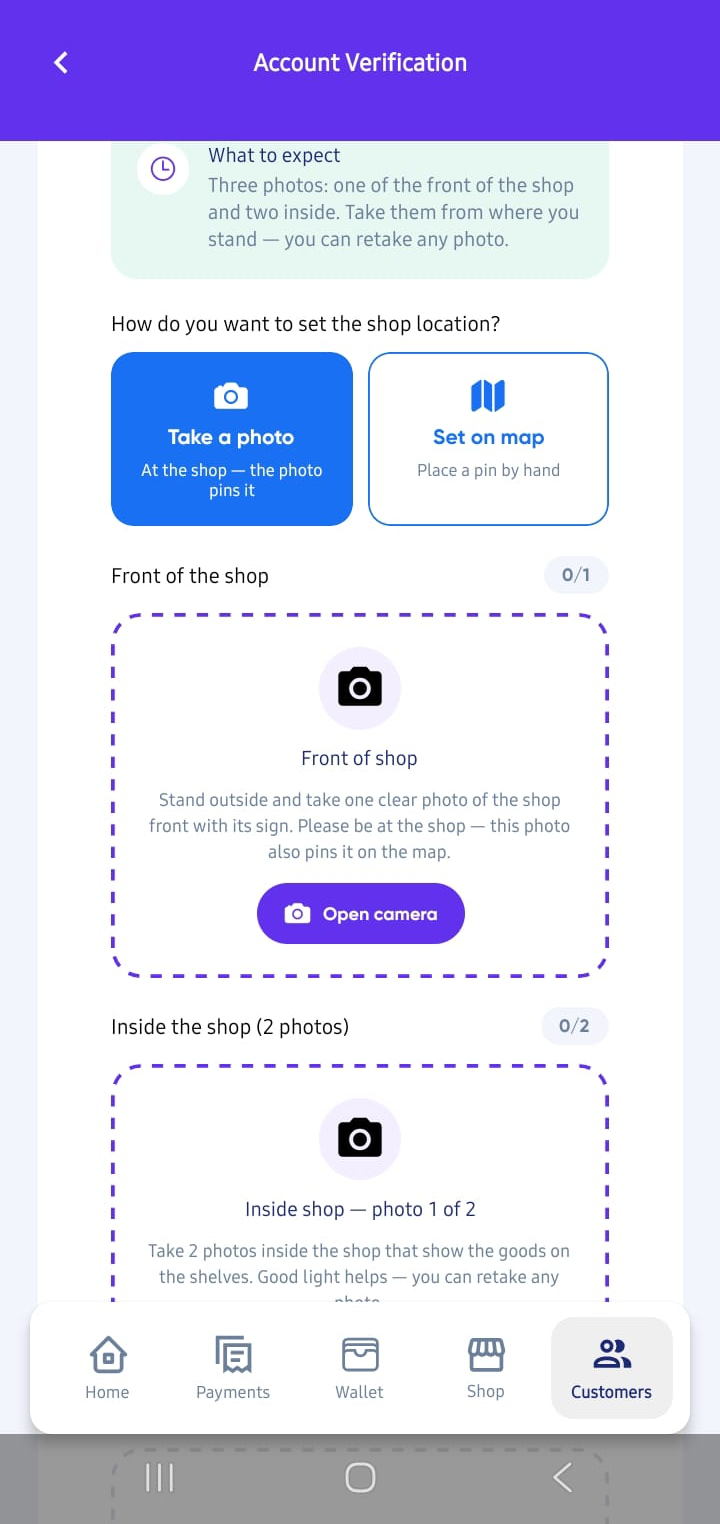
Main Details first
- ✅ Shop Name → Already captured.
- ✅ Select Seller → Already captured.
- ✅ Phone Number → Already captured.
- 📍 Business Location → Enter the buyer’s business location either by Taking photos of the shop or Set on the map if not able to take photo.
5. Verification by Sevi
- Once main details are completed, the buyer will appear in your Customer List with PENDING VERIFICATION status as shown below.
- Our verification team will visit the buyer to verify the business as per the set business location or you can be able to finish up the rest verification details for cutomer immediate credit limit set.
6. ✅ Incentive Earned
After successful verification:
- The buyer’s account will become ACTIVE (Available).
- You’ll earn KES 600 for this buyer once the buyer places the First Order.
- Incentives are stored in your wallet account and become withdrawable once you have Linked to a seller.