Refresh Data
Sometimes, after you perform an action, you may not immediately see the changes on your screen. Don’t worry — you can refresh the data in two ways:
1. Restart the App
- If pull-to-refresh doesn’t work on your device, close the app completely from the background and reopen Sevi app.
- This will fetch the latest updates for you.
2. Clear Cache & ReSync
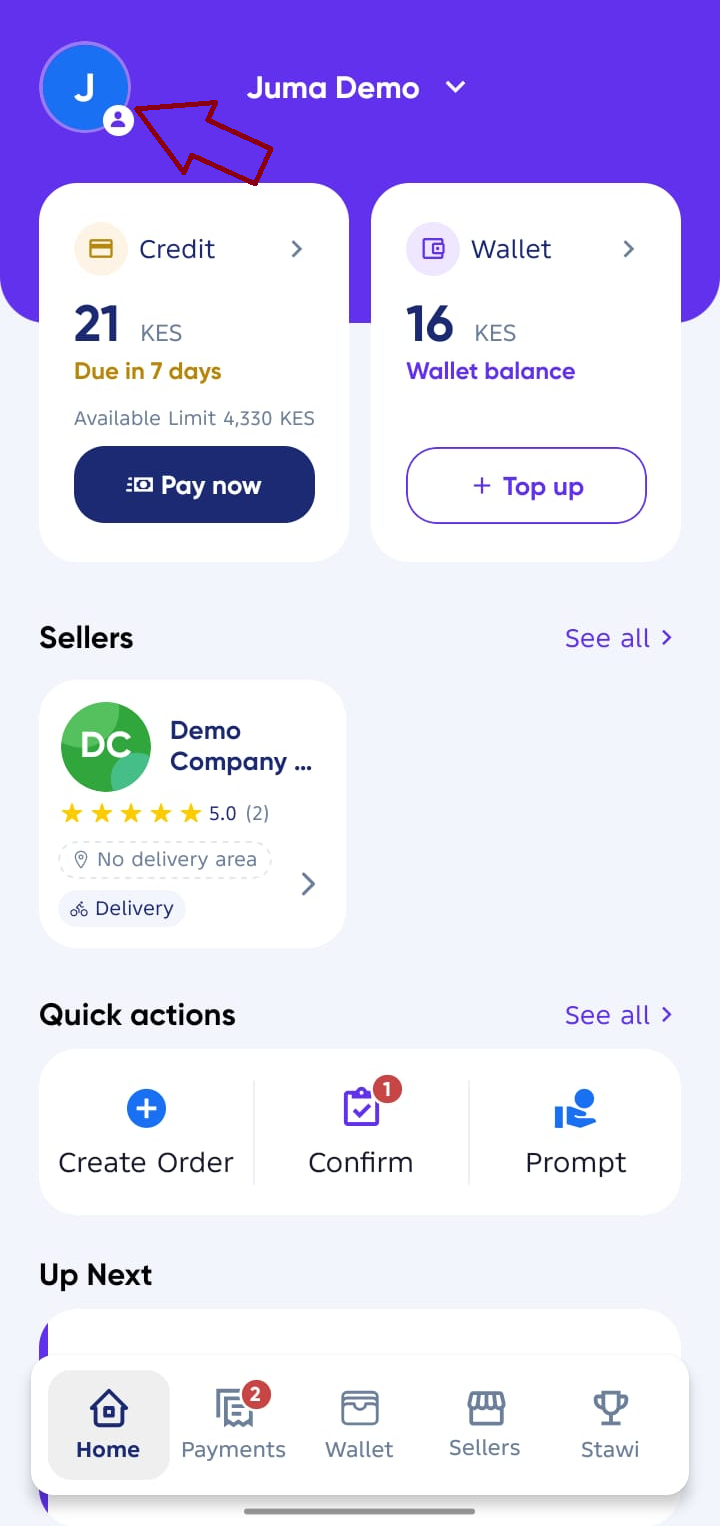
From your Sevi app Home screen,
- Tap your profile on the top left to open Account Details screen.
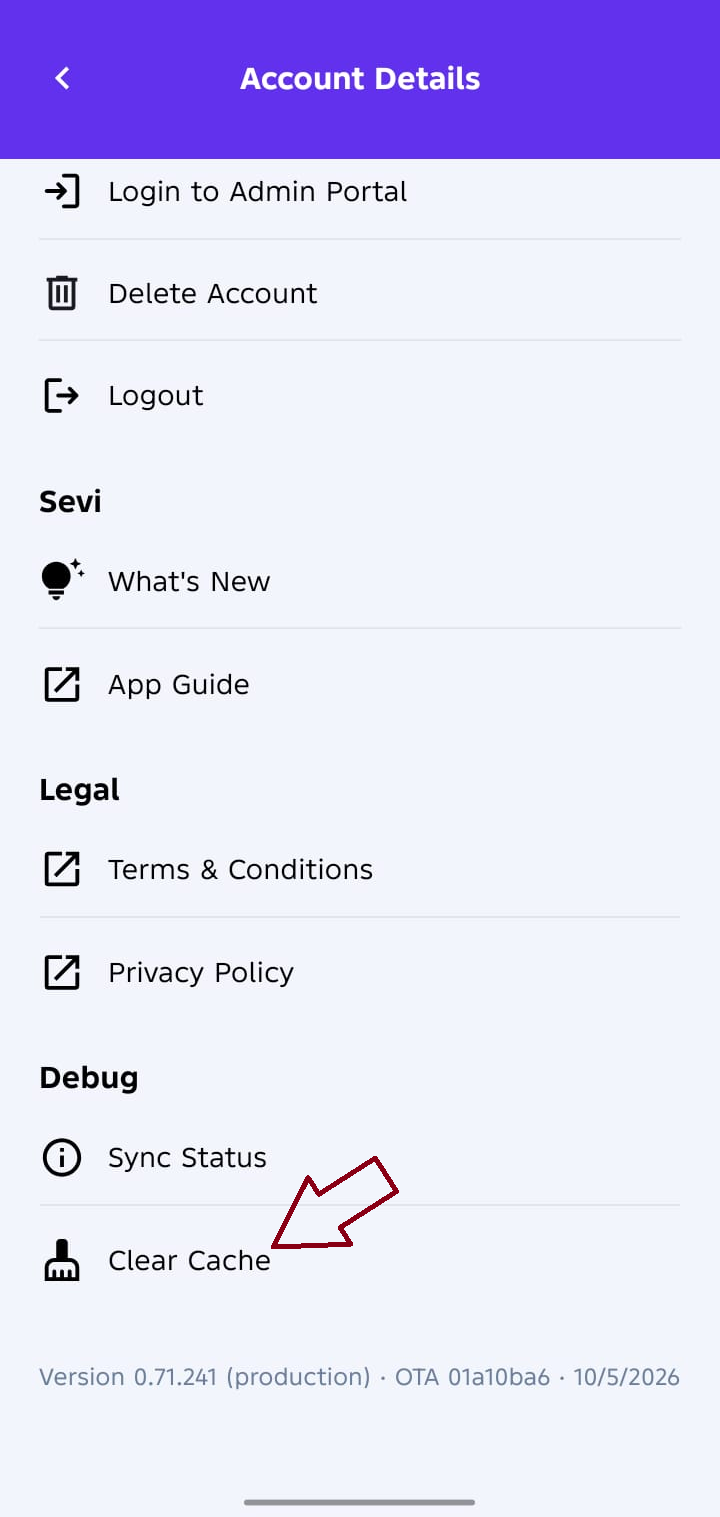
- Scroll down completely and Tap
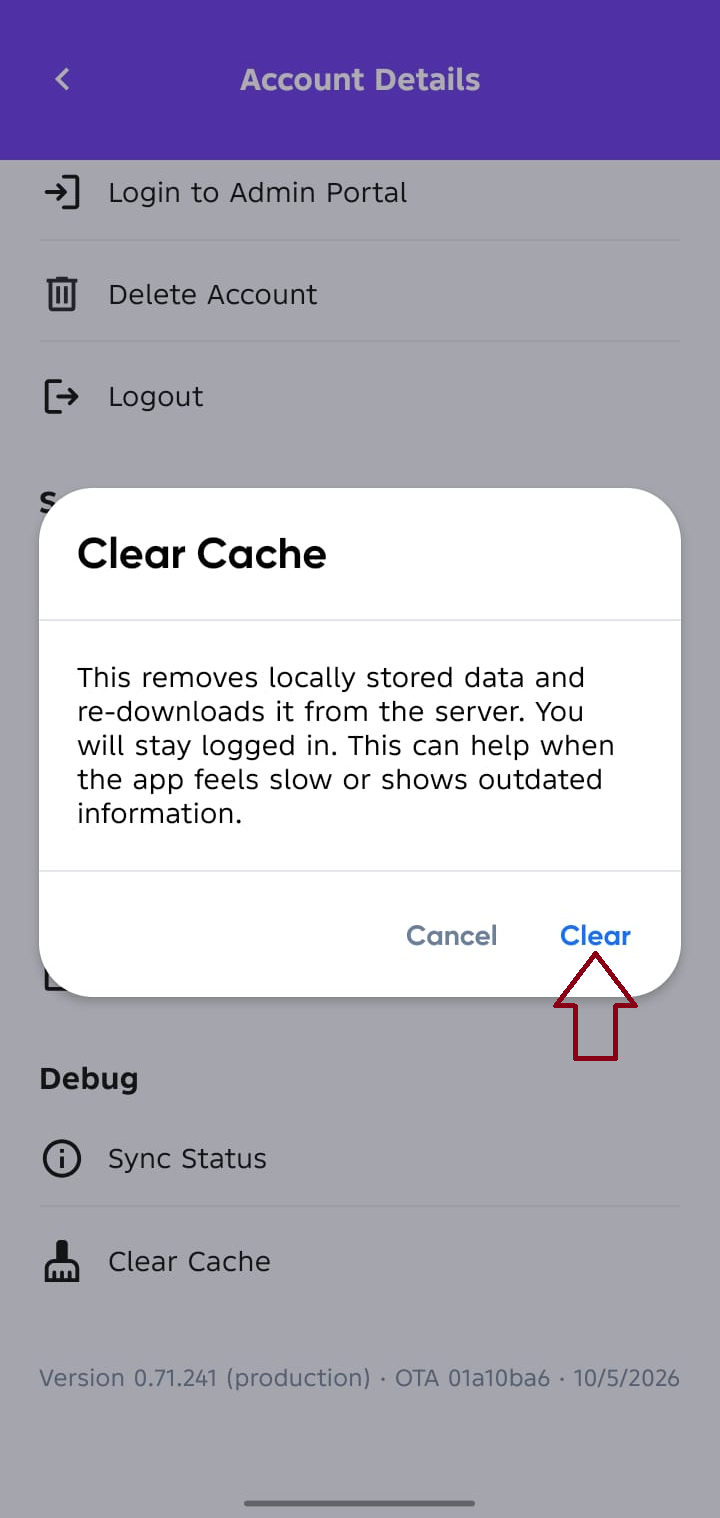
Clear Cache - Tap
Clearand give it time to load the latest data.