Grow Your Credit Limit
Your credit limit with Sevi grows as you build trust and demonstrate consistent business activity.
Here’s how you can improve and expand your limit.
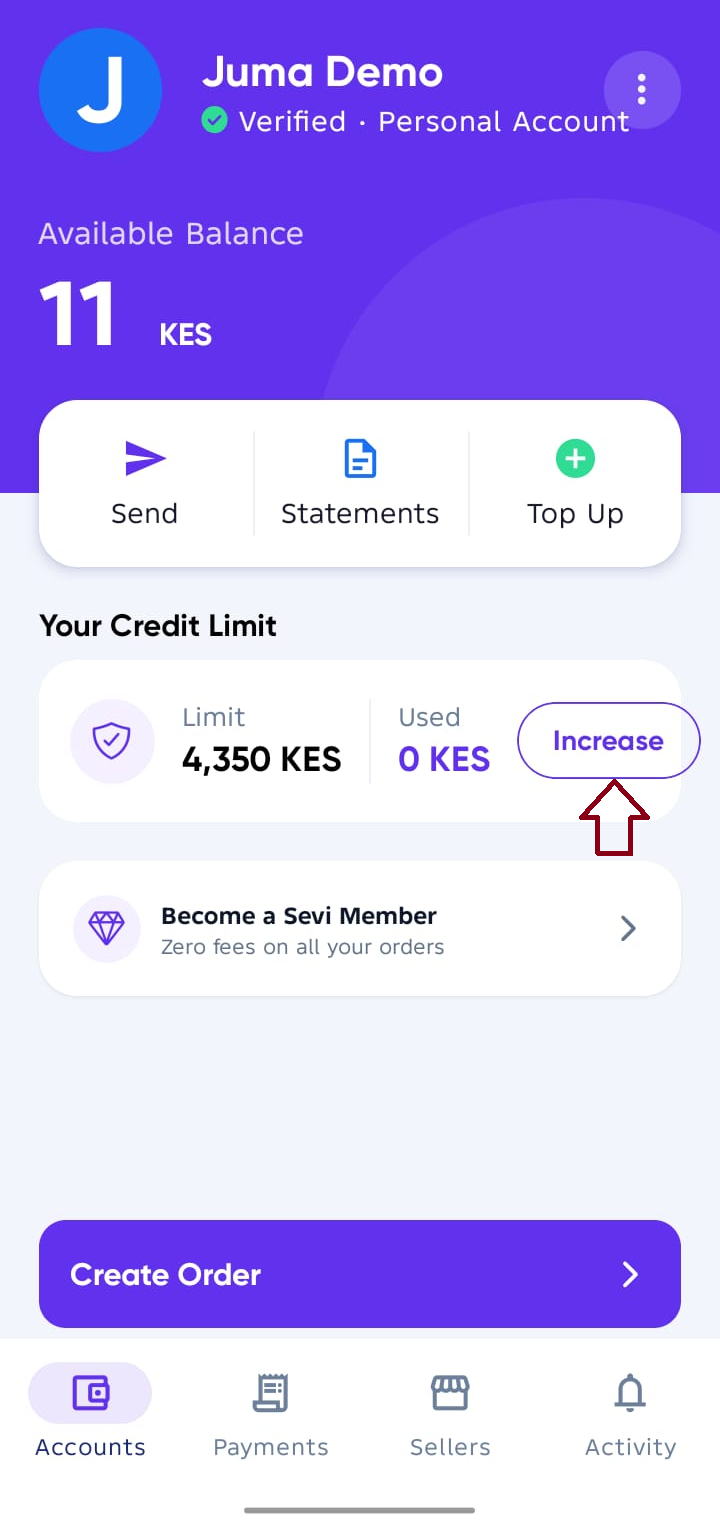
Go to your Accounts Screen and Tap Increase near Your Credit Limit, to be taken to Growth Screen.
1. Upload Updated Statements
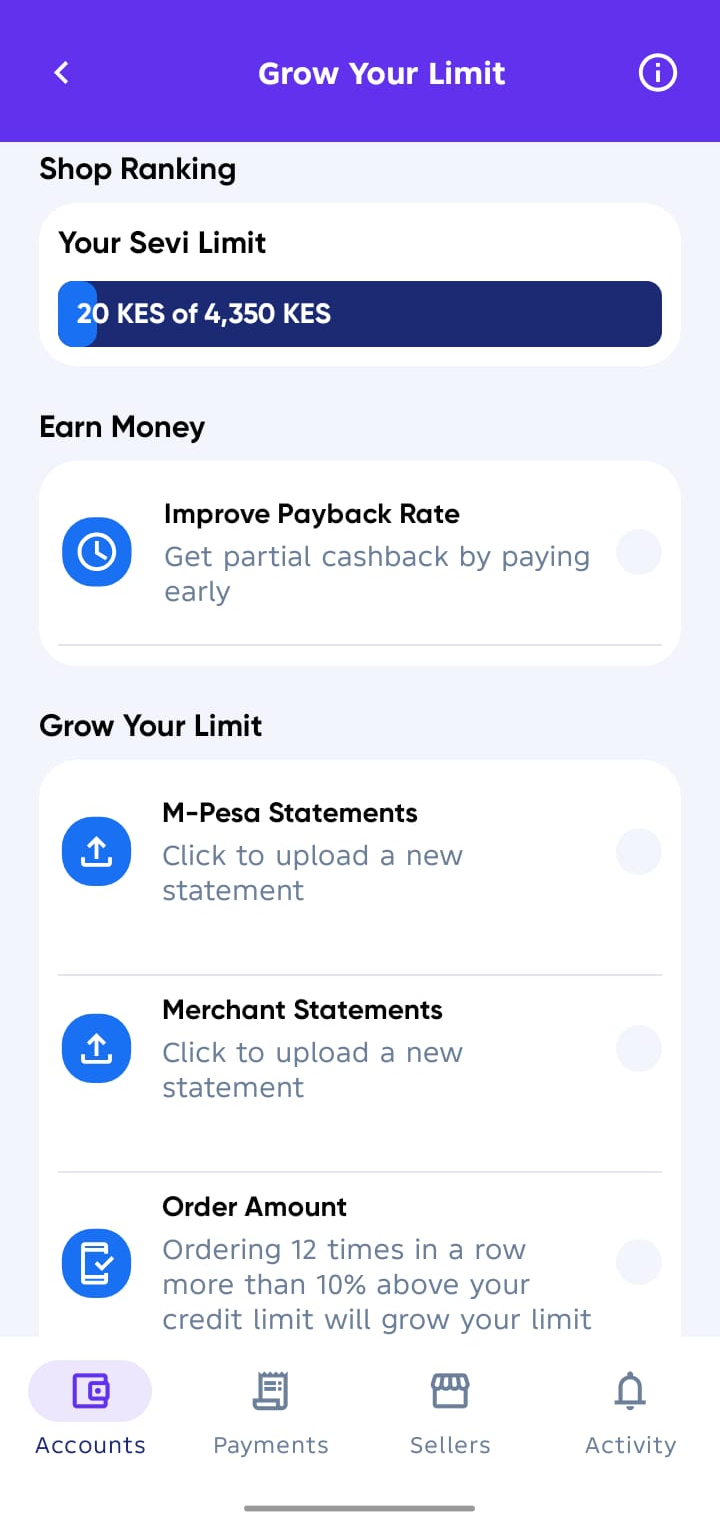
To strengthen your profile, upload financial documents directly in the Growth screen:
- M-Pesa Statements → Always upload the latest 6 months full statement.
- Merchant Statements → If you use M-Pesa Till or other business accounts, upload your monthly reports.
The more up-to-date your statements are, the more accurately Sevi can assess and increase your limit.
2. Order Consistently
Regular business orders show reliability.
- Placing 12 orders in a row that are 10% above your current credit limit will automatically trigger a credit review.
- If consistent, your limit will grow step by step.
3. Update Personal Information
At the bottom of the Growth screen, you can update important personal and account details:
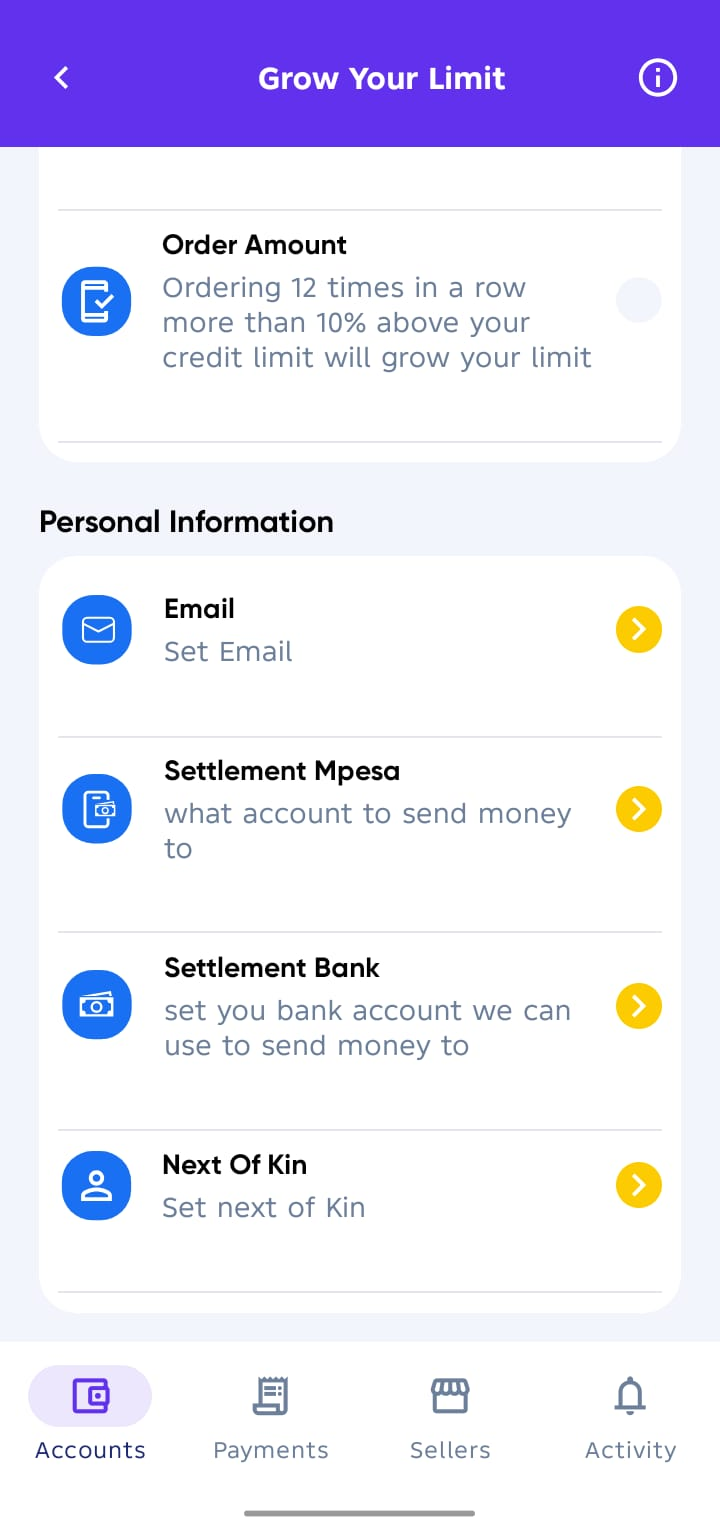
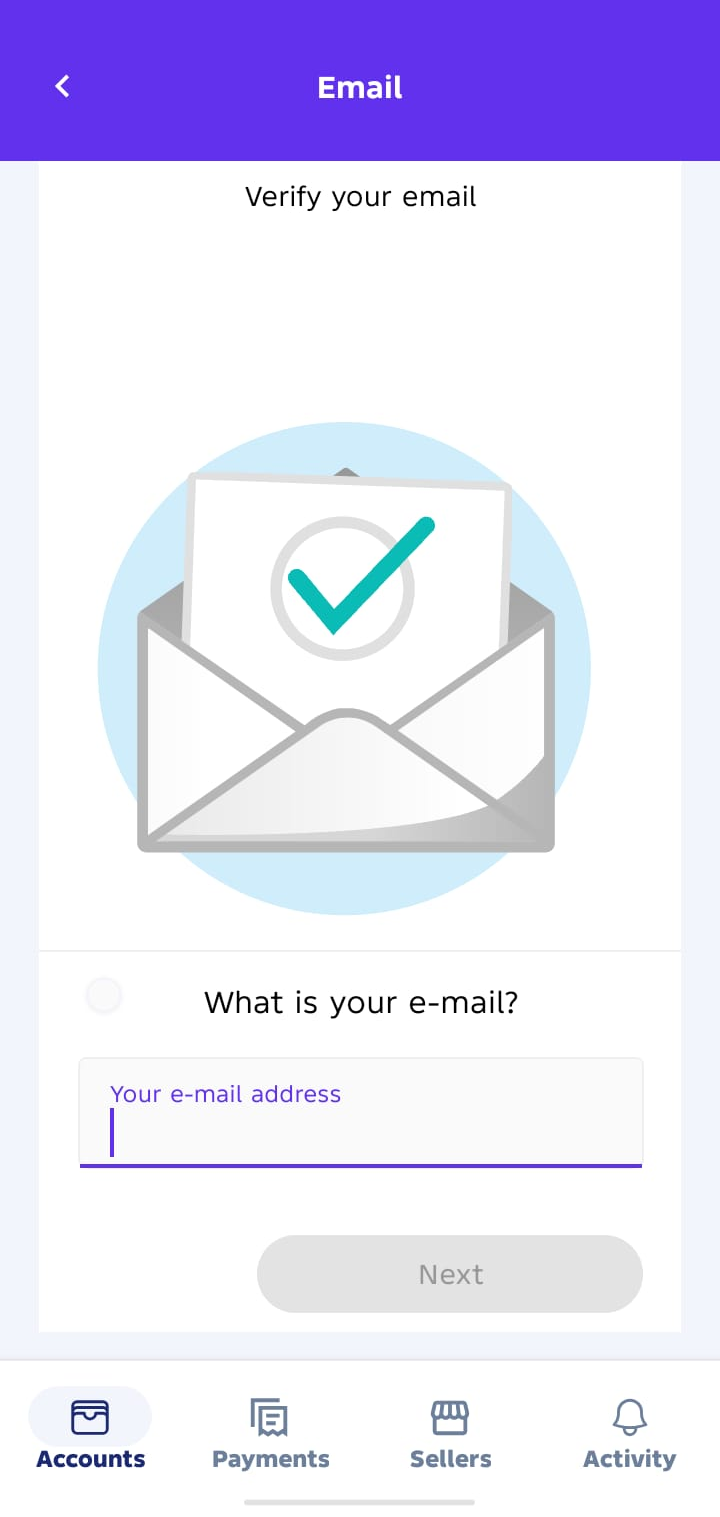
Email Address
- Add a valid email for notifications and support.
Next of Kin
- Add a trusted contact person.
- Provide their Name and Phone Number.
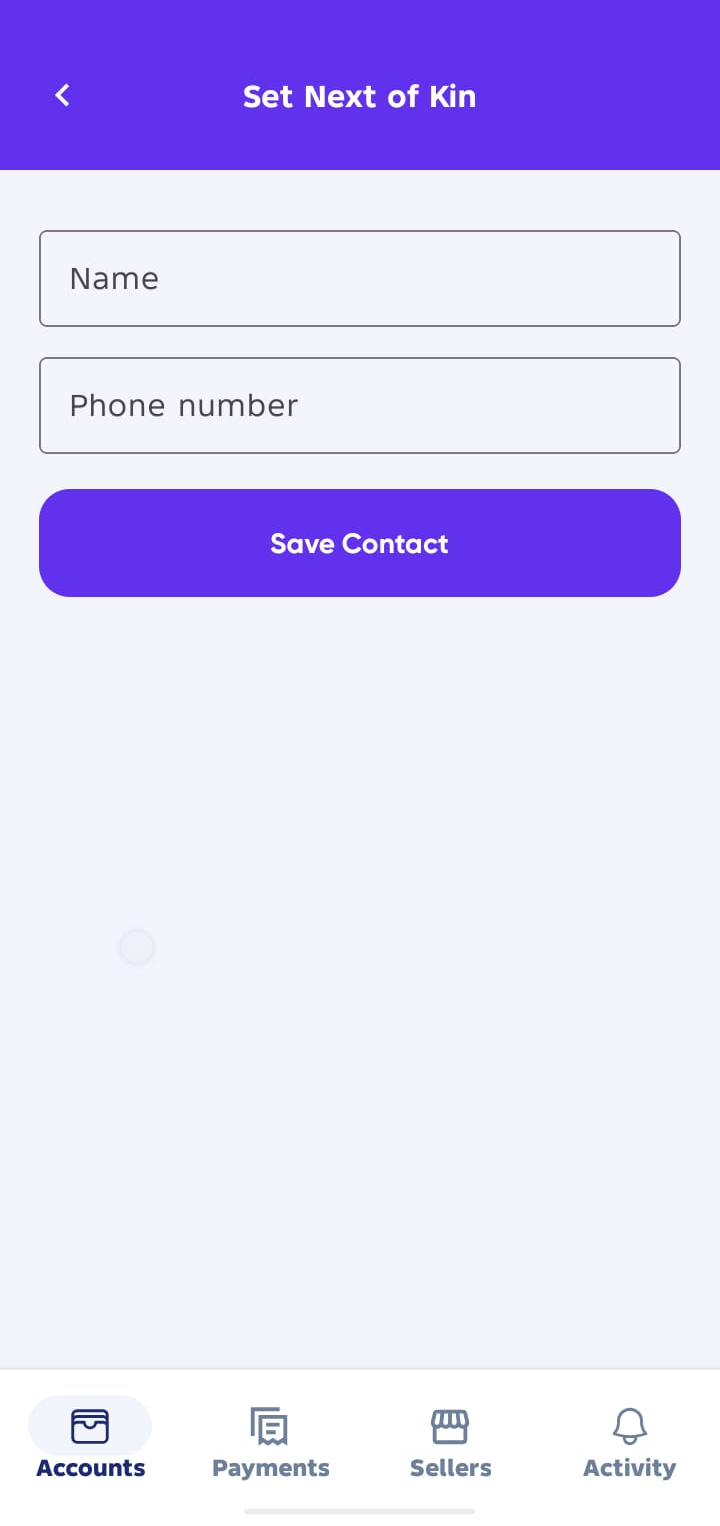
This ensures your account has a secondary contact in case of emergencies.
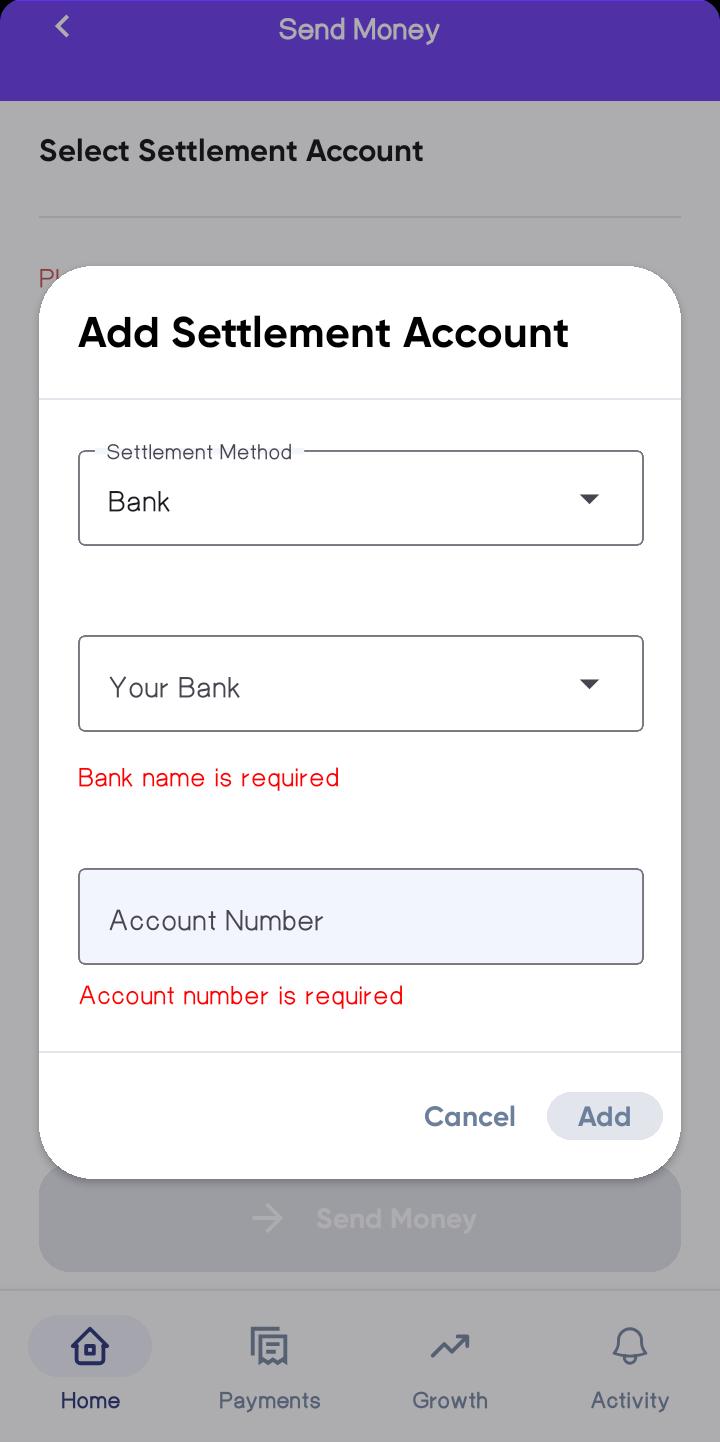
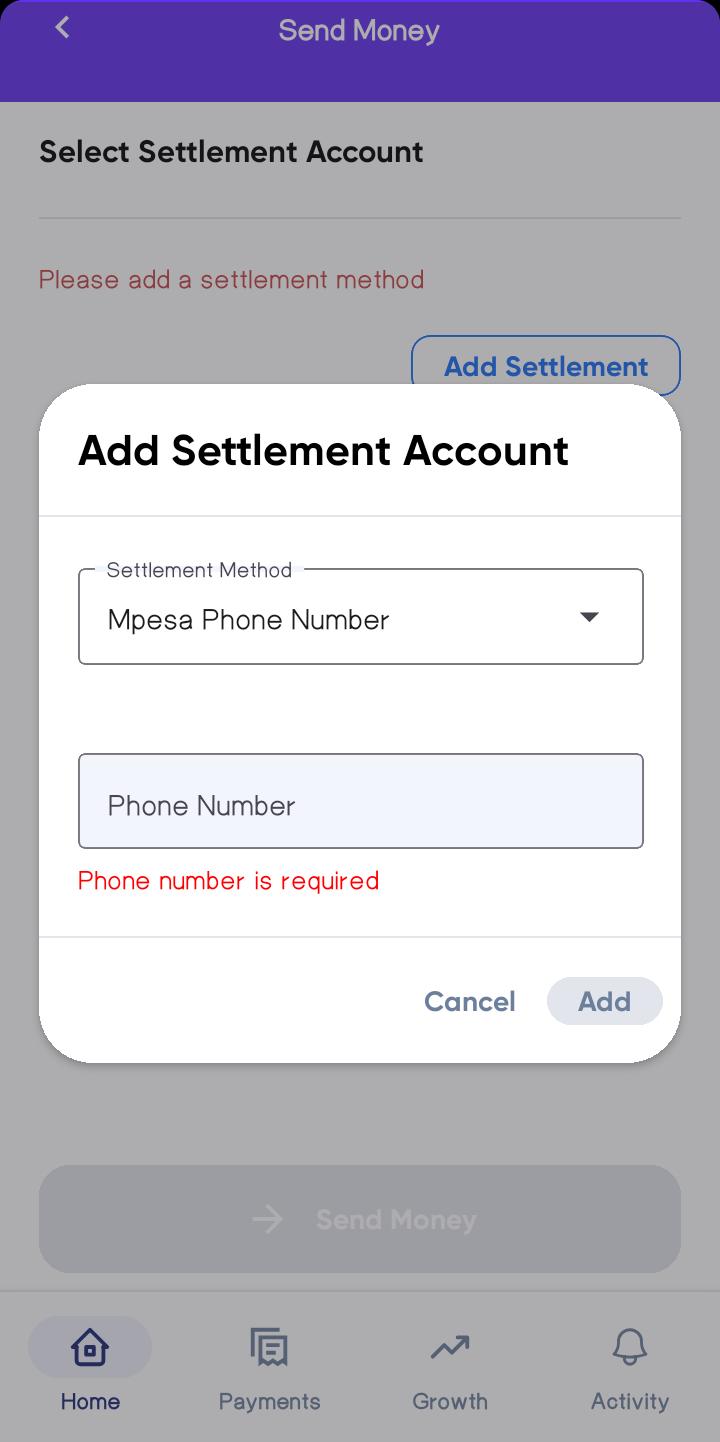
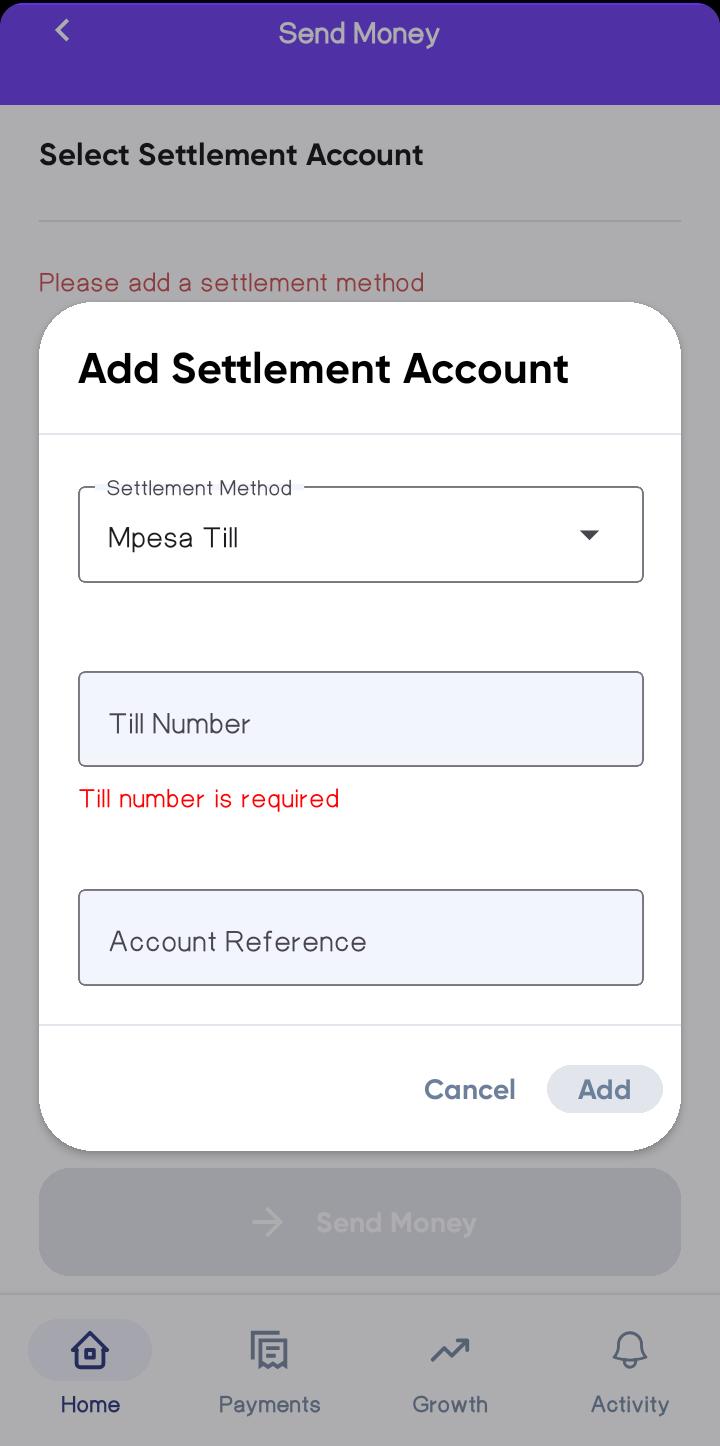
Settlement Account
When you withdraw funds from your Sevi wallet (using the Send button on your dashboard), the payout will be sent to your chosen settlement account.
You can set:
- Bank Account
- M-Pesa Phone Number
- M-Pesa Till
✅ Best Practices to Grow Faster
- Always repay on time or early.
- Keep your M-Pesa or Merchant statements updated.
- Order regularly to show consistent business activity.
The stronger your profile, the higher your credit limit and the better your chances of unlocking bigger opportunities with Sevi.