Step 1: Register a Sevi Account
Opening a Sevi account is quick and easy. Just follow these steps:
1. Download the Sevi App
Sevi registration is only available on Android.
- Download the app from the Google Play Store.
- Tap Install, then open the app.
2. Verify Your Phone Number
- Enter your phone number (use your main active line).
- Tap Continue to send a Verification Code.
You’ll receive a One-Time Password (OTP) by SMS. Enter the OTP to confirm your number.

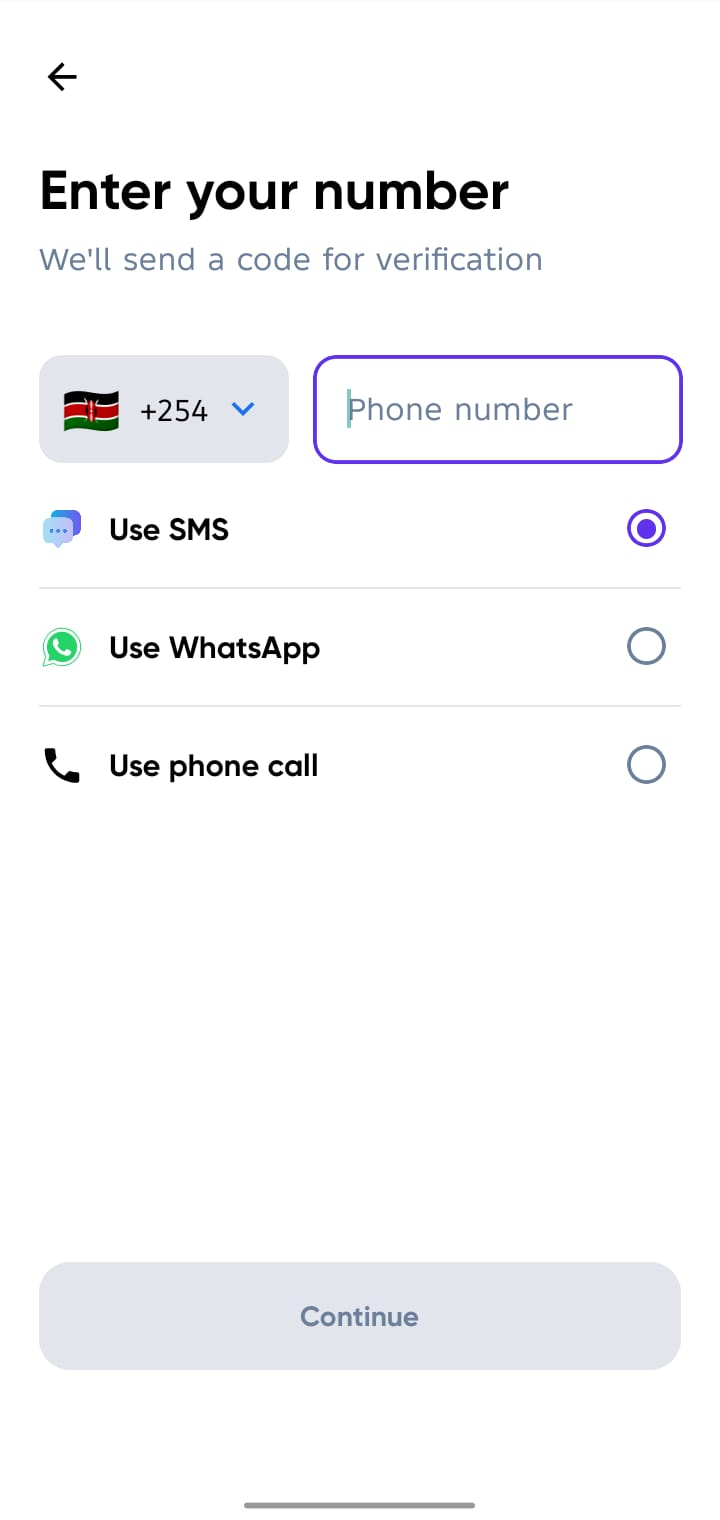

If the code doesn’t arrive by SMS, tap Resend Code to get it via WhatsApp, Phone Call or Change Phone Number.
3. Add Your Business Details
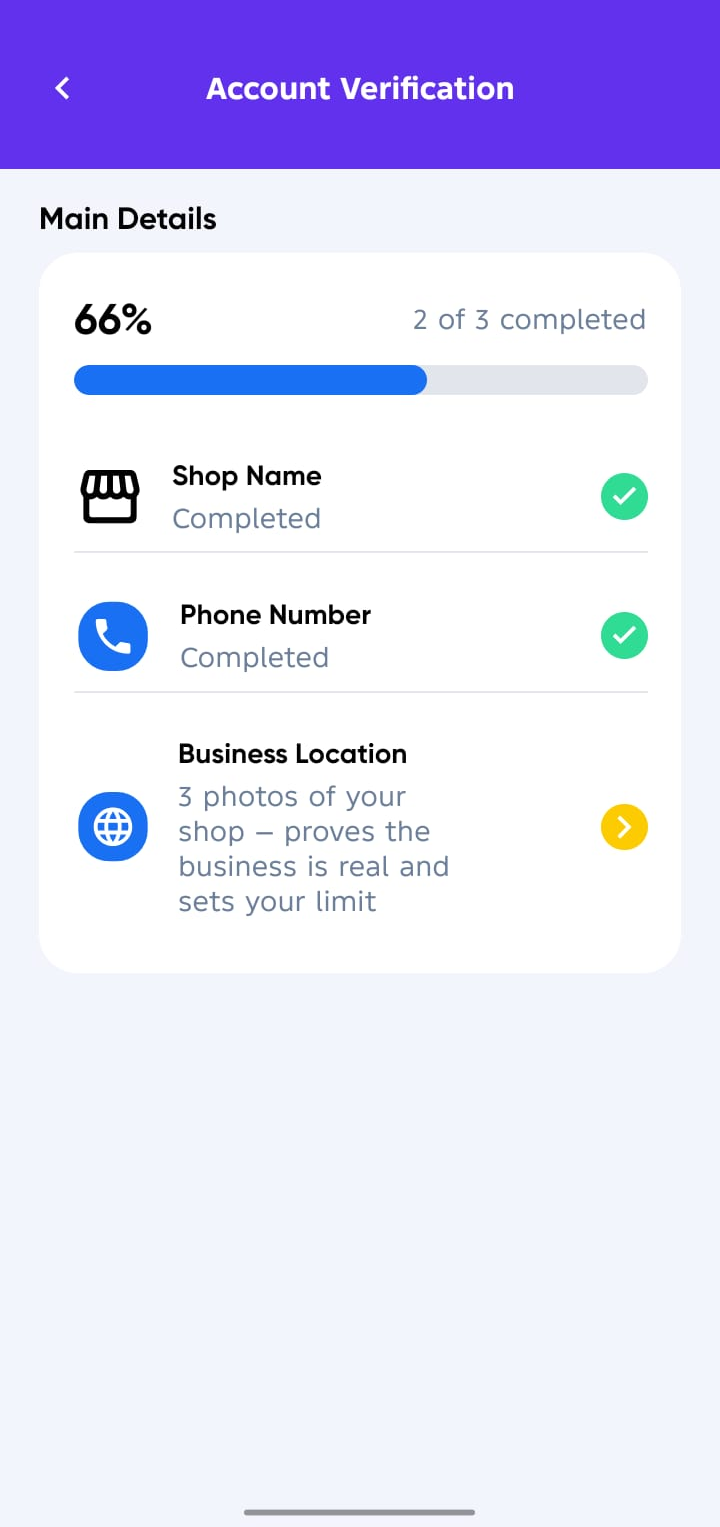
After verifying your phone number, complete the onboarding form with the Main Details first:
- Shop Name → Completed, will be named automatically after Verification.
- Phone Number → Completed.
- Business Location → Take a clean 3 photos of your shop and Pin location on the map, this proves the business is real and sets your credit limit.
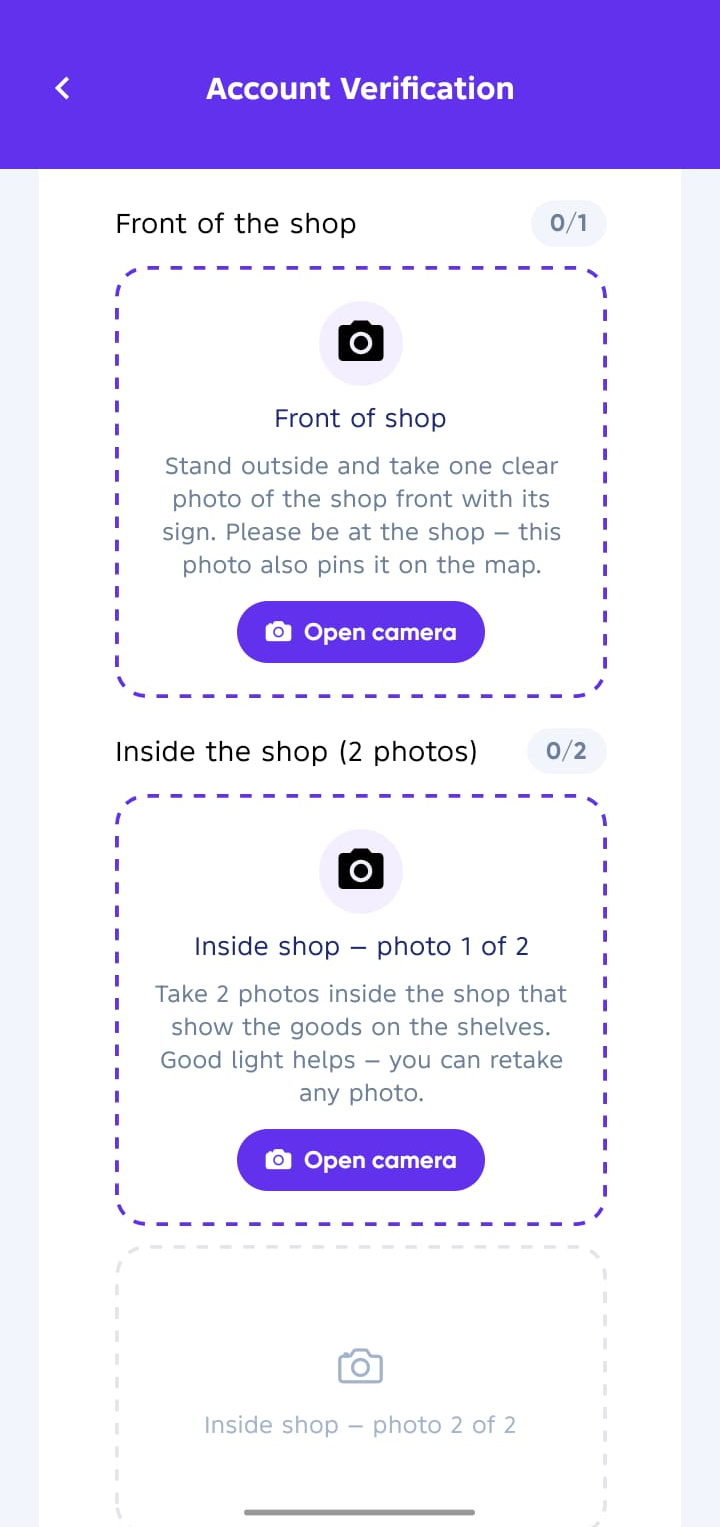
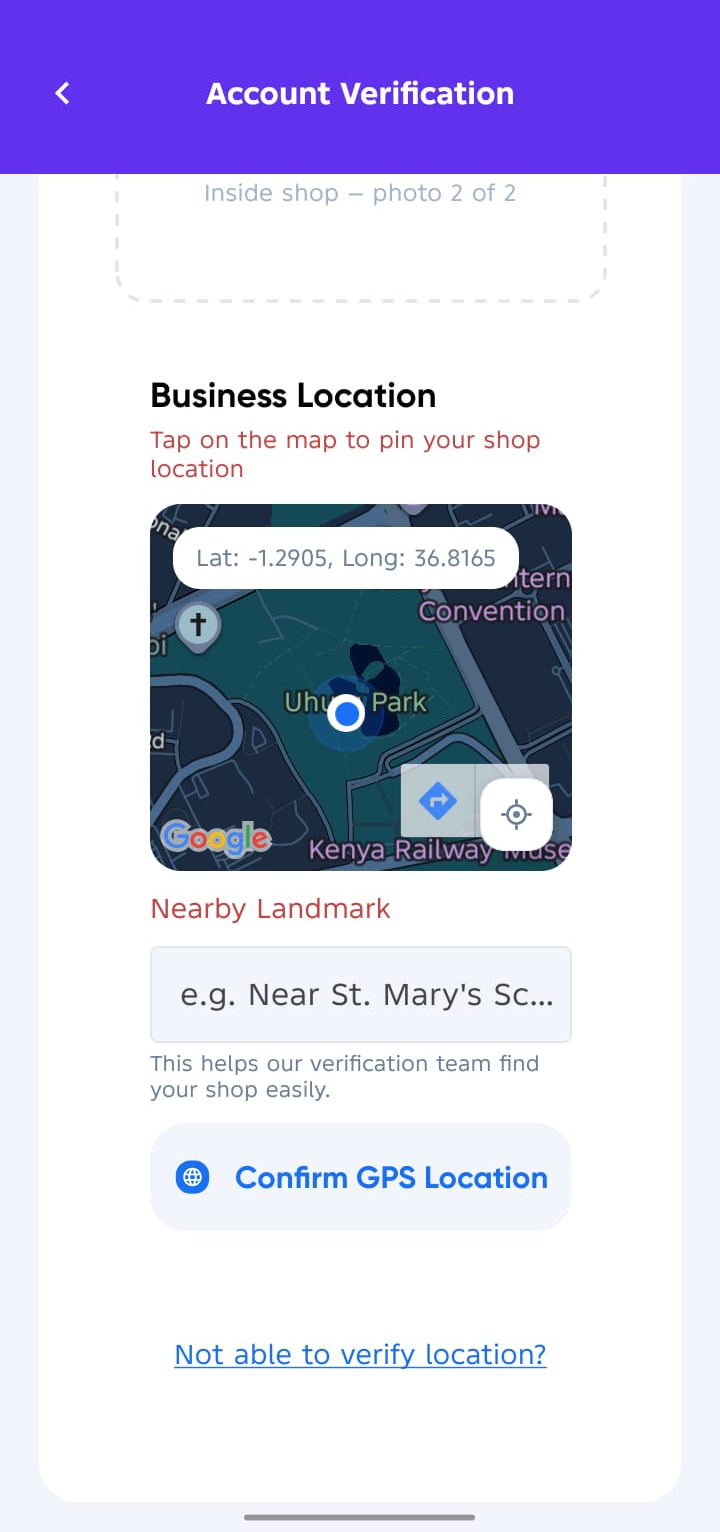
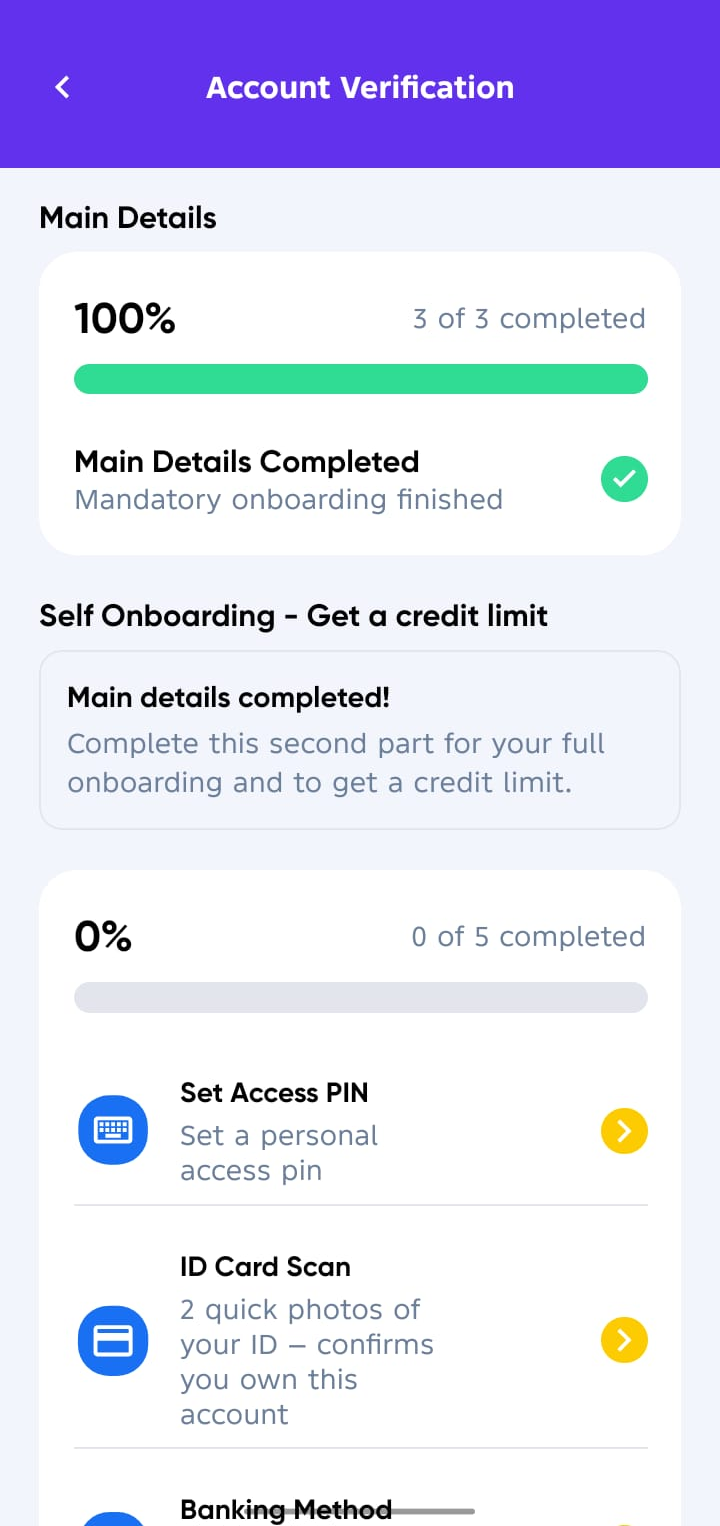
📍 Once you set your location your account will move to Waiting on Verification status.
4. ✅ All Done (Next Steps)
Your Sevi personal account has now been created, you can either complete the remaining verification steps yourself or wait for a Sevi Verification Team member to visit your business.
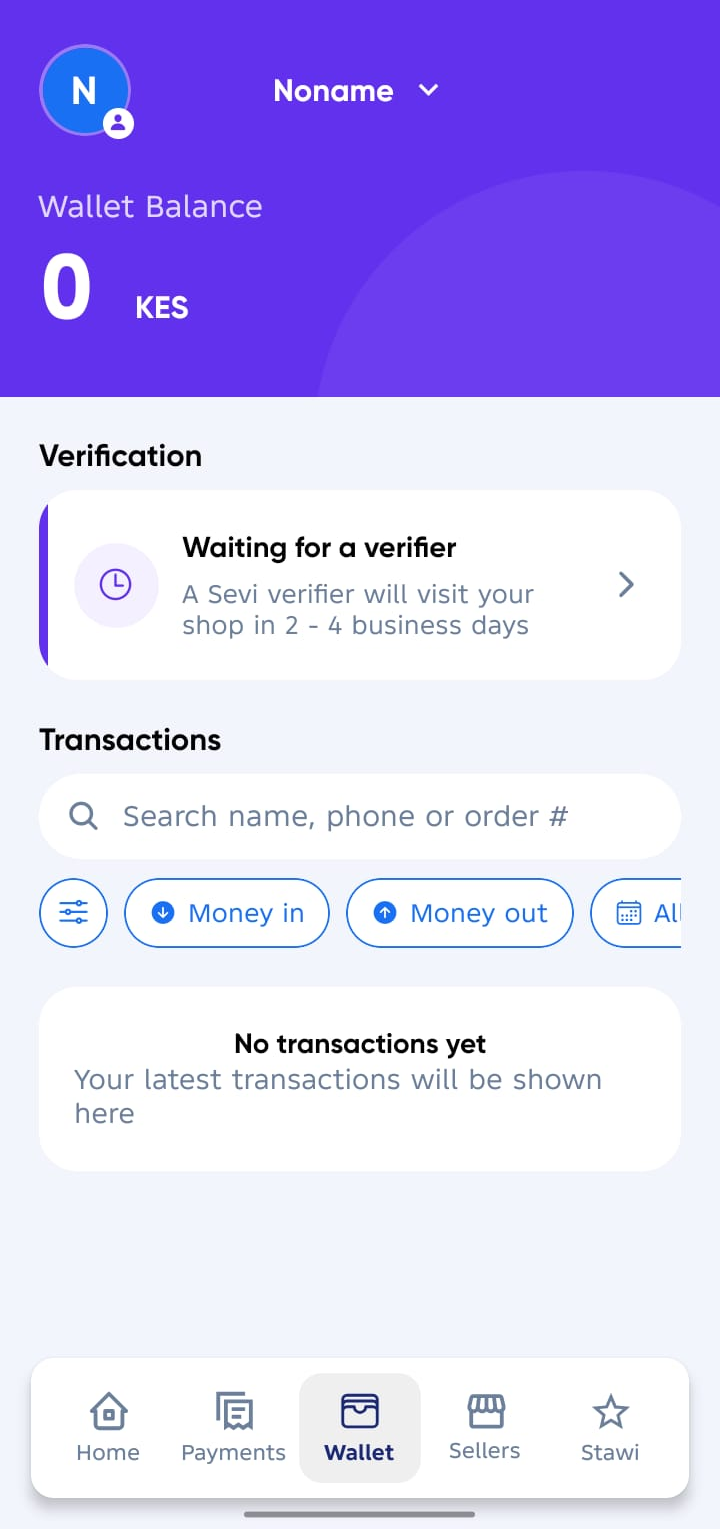
What happens next:
-
During the visit, they’ll assist you in:
- Setting up your Access Pin
- Scan Your National ID
- Upload Your 6-month full M-Pesa statement
- Upload Your Face ID Photo
- Filling in your Business information
- Lastly Agree to Privacy Policy
-
After verification, you’ll receive a credit limit that lets you Order Now, Pay Later with verified suppliers.
Have your National ID and Full last 6 months’ M-Pesa statement ready for the verification visit. Keep your line active incase you will be contacted.