Step 2: Get Verified
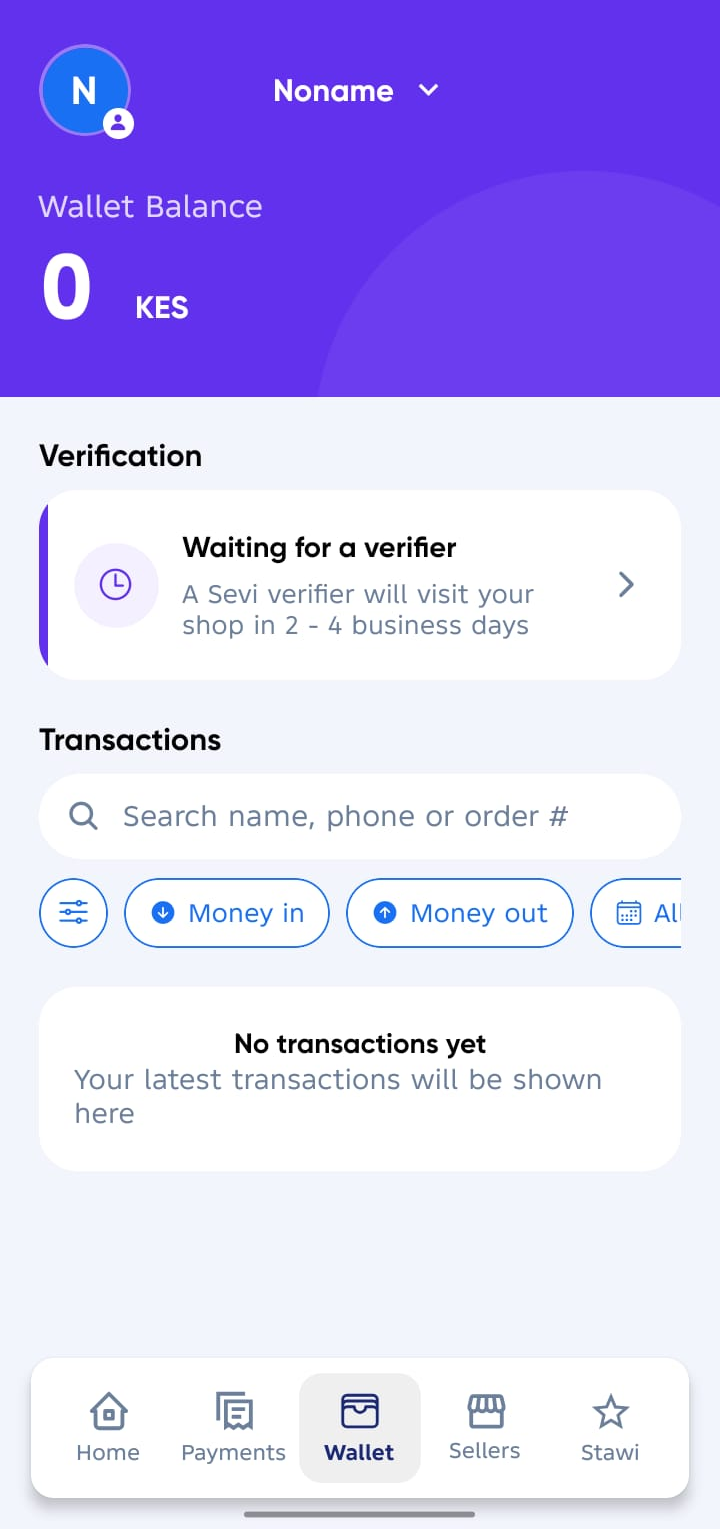
Once you’ve completed your Sevi registration and set your business location, your account will move into Waiting on Verification status.
During this stage, Sevi’s verification team will visit your shop to confirm your details and complete verification.
What Happens During Verification
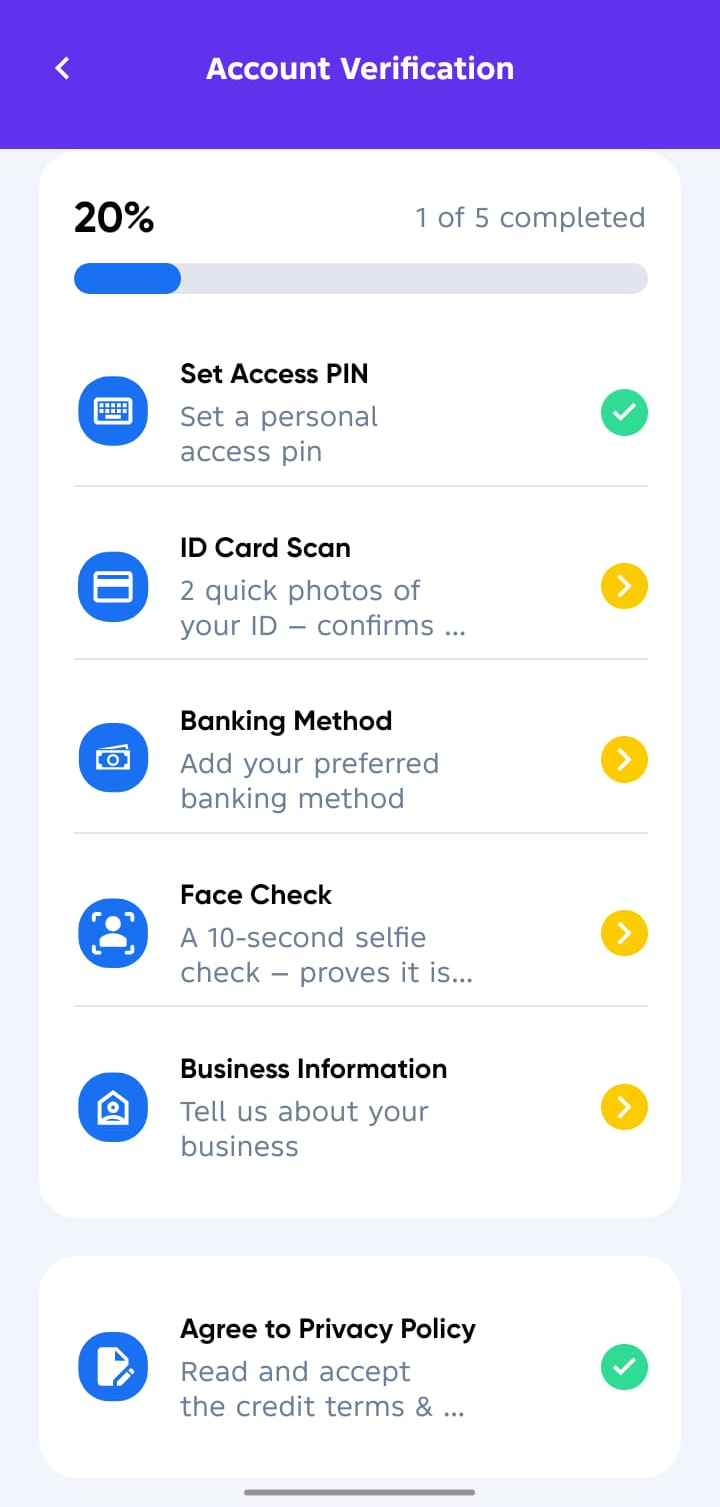
Our field team will assist you to:
- ✅ Setting up your Access Pin
- ✅ Scan your National ID (front and back).
- ✅ Upload your M-Pesa Statement (strictly full last 6 months).
- ✅ Take a Selfie (Face ID capture) for identity confirmation.
- ✅ Complete your Business information (Type, Size and Record keeping method)
- ✅ Read and Agree to Privacy Policy
tip
Blurry or incomplete documents may delay verification.
caution
Only provide your documents through the official Sevi App during the verification process. Sevi staff will never ask you to share your PIN or sensitive details outside the app.
Verification Outcome
Once verification is successful:
- You will receive a confirmation SMS.
- A credit limit will be assigned to your account.
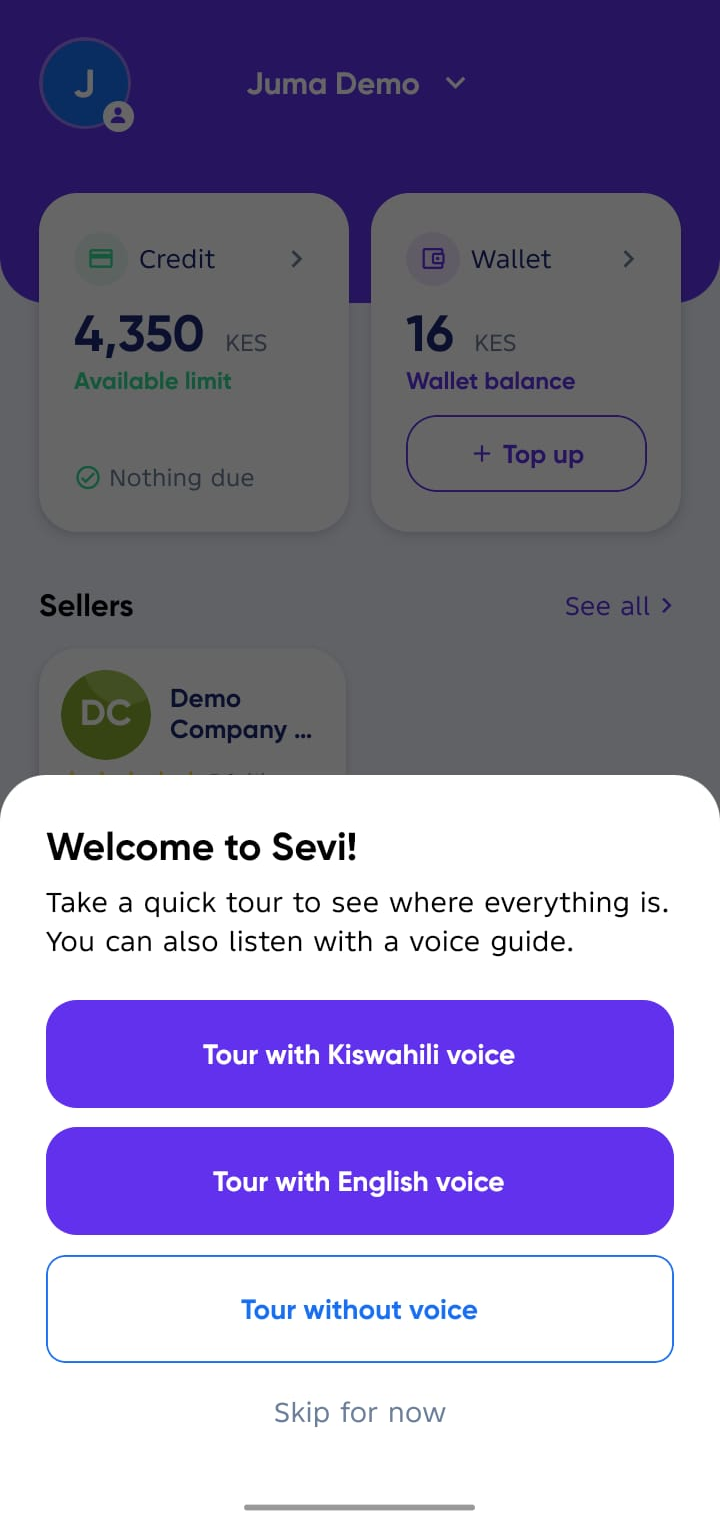
- You can learn through the App Tour Guide using your preferred method.
- You can now start placing orders with verified suppliers and enjoy Lipa na Sevi option.