Payment link
Every order created with orderCreate gets a payment link (order.paymentLink). Opening it shows the buyer a secure Sevi payment page where they pay with M-Pesa, their Sevi wallet, or Sevi credit if they are eligible.
https://p.sevi.io/D223123
Always use the paymentLink value returned by the API instead of building the URL yourself — the domain differs between sandbox and production.
Ways to share it
- Redirect the buyer to it from your checkout.
- Send it by SMS, WhatsApp or email.
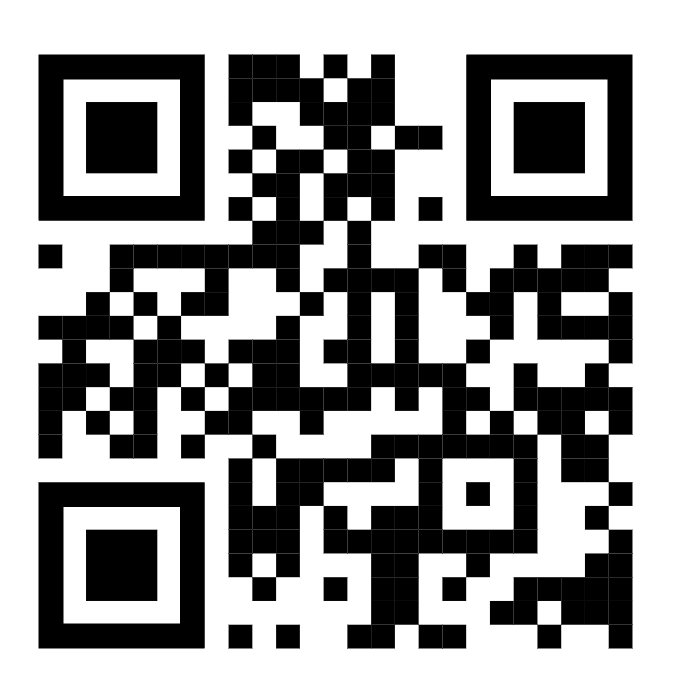
- Print it as a QR code on the invoice or delivery note, so the buyer can scan and pay on the spot.
After payment
- The buyer sees a confirmation and, if you passed a
returnURL, is sent back to your site or app. - Your backend receives the
ORDERwebhook withpaymentStatus: "PAID". Use the webhook — not the browser redirect — to mark the order as paid.
A link can be paid only once. Once the order is paid, opening the link again shows that it is already paid; if the order was cancelled or expired, create a new order.