Login
The Sevi Admin Portal uses a secure QR-based login system that connects directly to your registered Sevi mobile app — no passwords required.
How to Log In
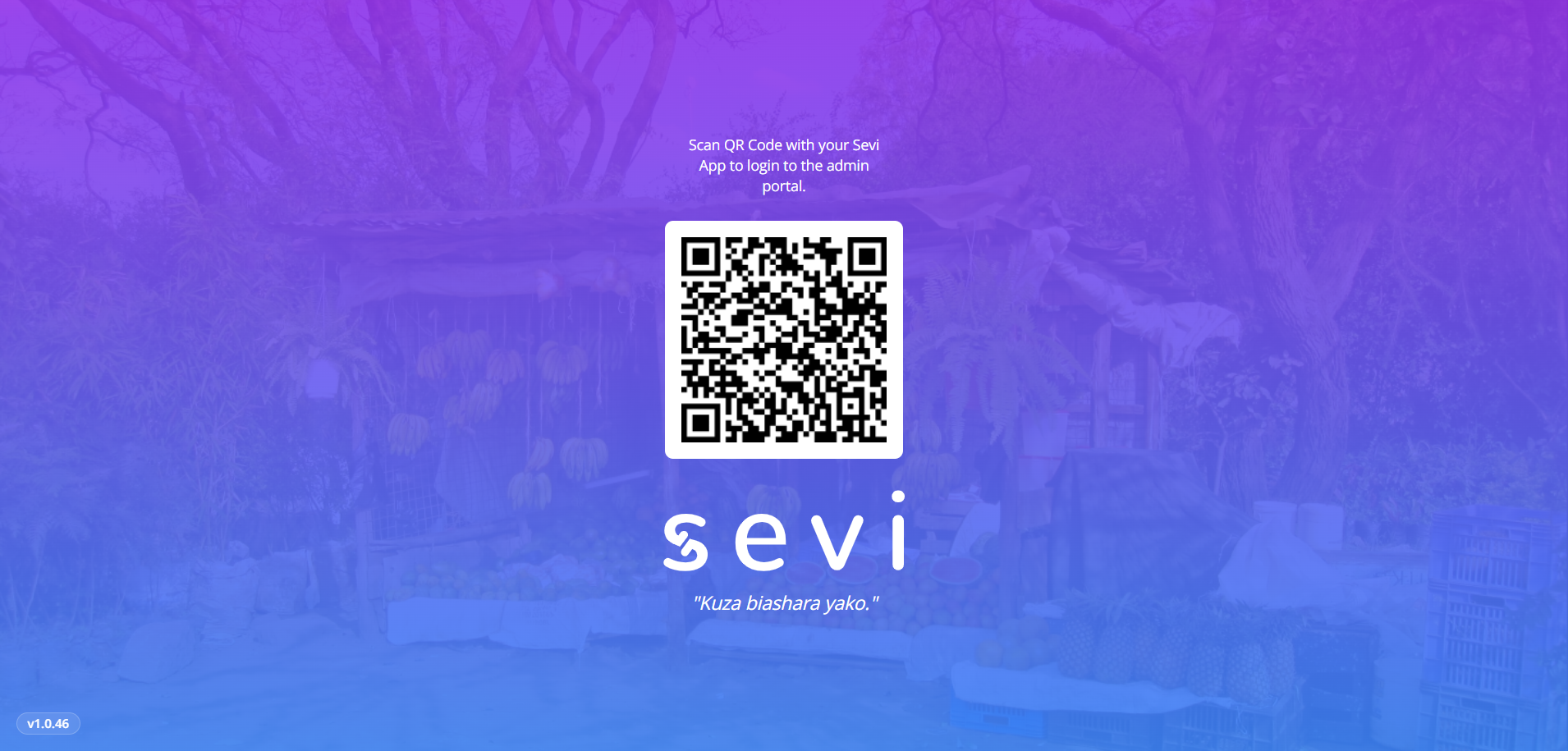
- Open your browser and go to admin.sevi.io.
- A QR code will appear on the screen.
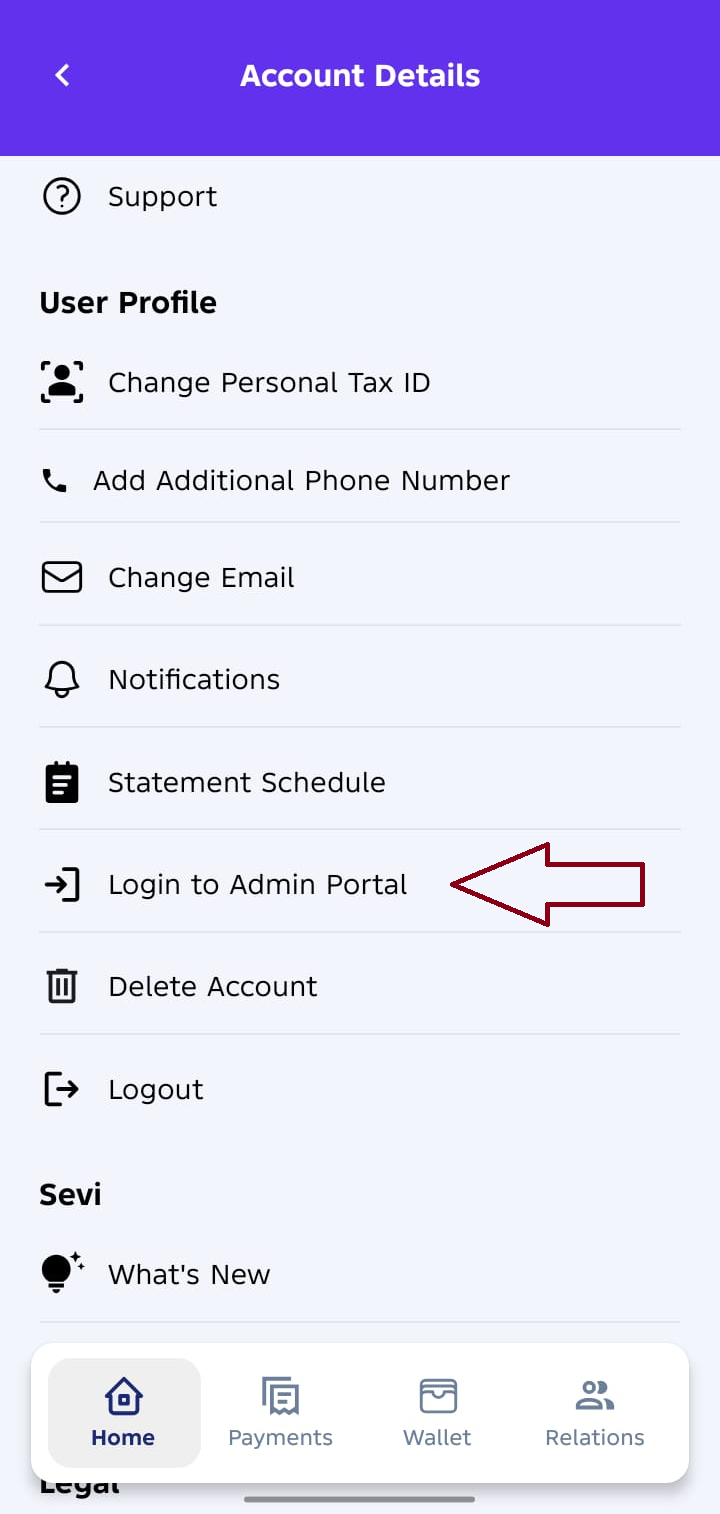
- On your Sevi mobile app, go to Profile Settings → Login to Admin Portal option.
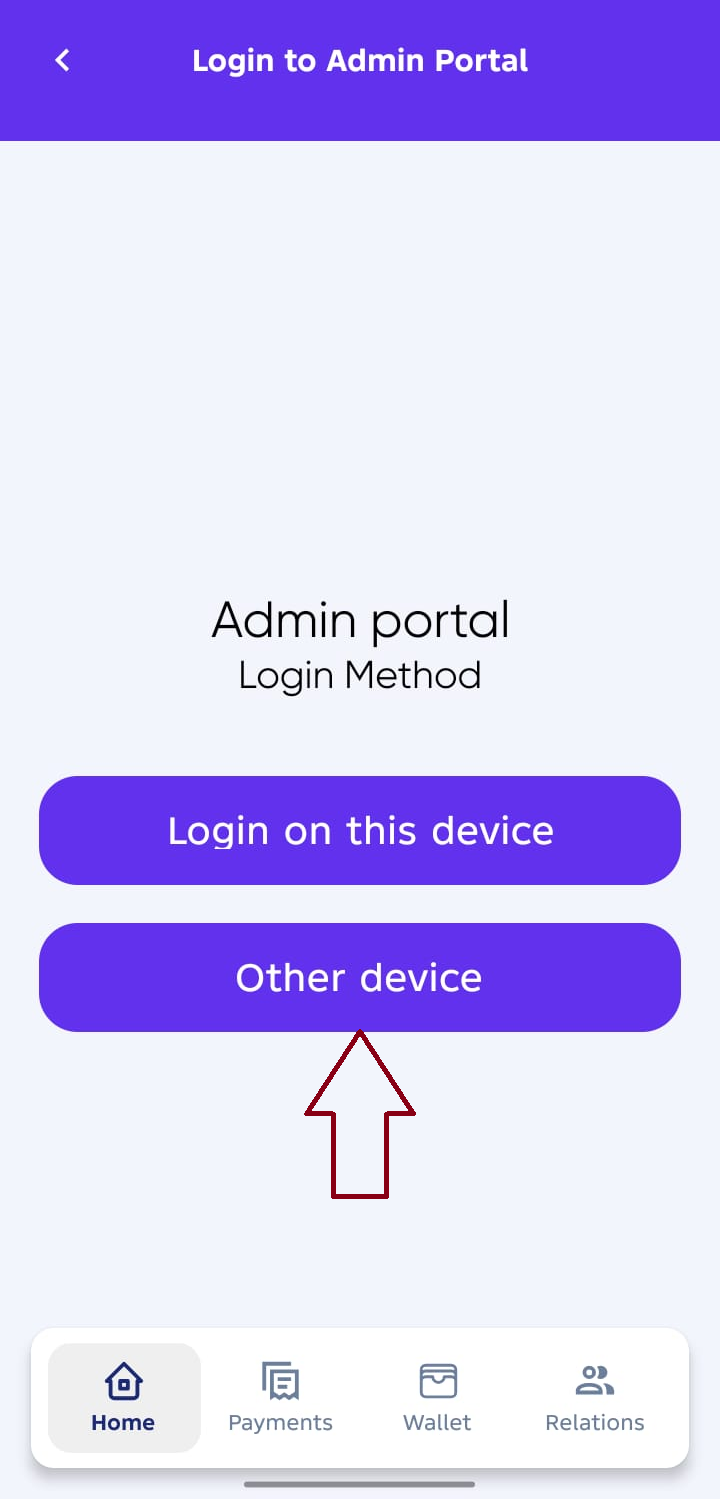
- Select Other Device for a better experience on your desktop or laptop.
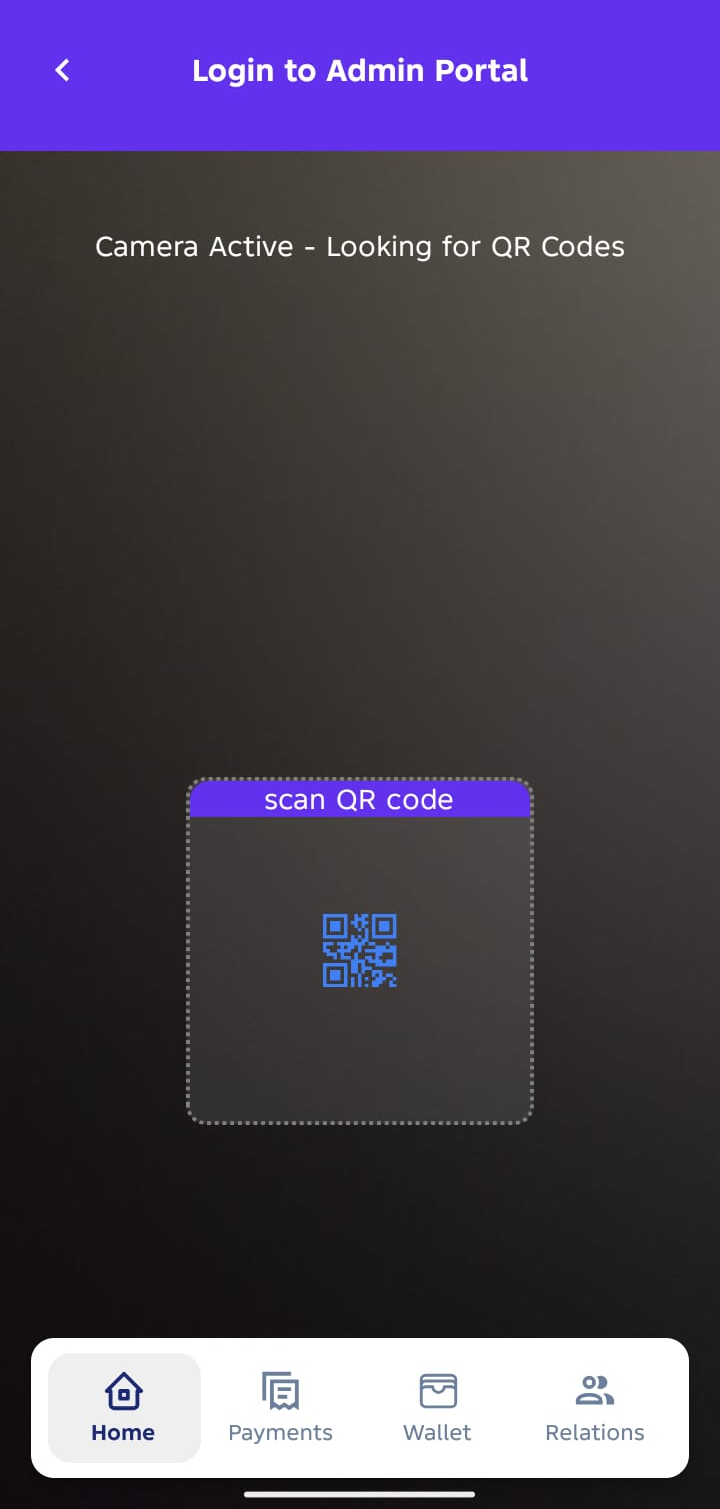
- Scan the QR code displayed on the web page using your phone.
- You’ll be automatically logged into your Admin Portal Dashboard.
Why QR Login?
- No passwords needed: Quick and secure access — no credentials to remember.
- Enhanced security: Authentication is done through your verified Sevi mobile account.
- One-tap convenience: Log in from any device using your app — safe and effortless.
Troubleshooting
If you’re unable to log in:
- Ensure you’re using the same phone number linked to your Sevi Seller account.
- Check your internet connection on both your phone and computer.
- Refresh the QR code and try again.
- If the issue persists, contact Sevi Support.
Next: Dashboard Overview